 Selerity
How Long Mouse Feet Last and How to Tell It Is Time to Replace Them
By Марина ШевчукPublished: 2 min read
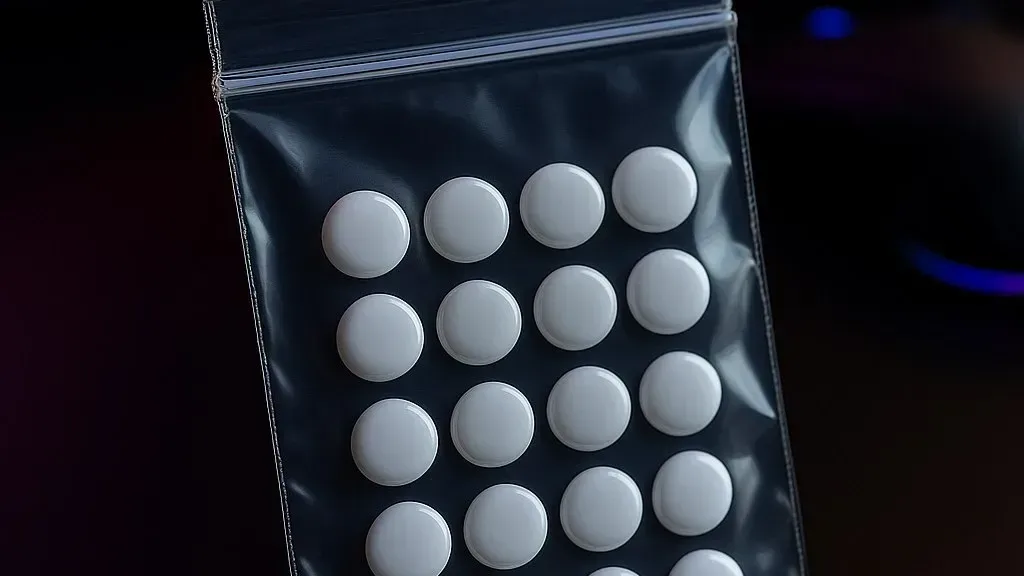
In short: there is no exact lifespan: on soft cloth feet can last from several months to several years, on hard surfaces and with intense play, less. Go by the signs: scratches, uneven edges, noise, changed glide and visible wear.
What does lifespan depend on?
- Surface. On glass and hard pads feet wear faster than on cloth.
- Cleanliness. Dust and particles act as an abrasive.
- Play intensity. More hours, more friction.
- Mouse weight and hand pressure. A heavier mouse and firm pressure speed up wear.
- Material and thickness. Thicker feet of denser material usually last longer.
Signs it is time to replace
- The glide feels different. The mouse "drags" or glides unevenly.
- Noise or squeaking appears.
- Wear is visible. Edges are worn down, burrs or scratches appear, the foot has become thin.
- The mouse is tilted. One foot has worn more than the others and the mouse "drifts".
- Feet are peeling. The adhesive has lost grip.
- The sensor behaves unstably. Worn feet reduce the distance to the surface, see why the mouse jumps.
How to check
- Turn the mouse over in good light.
- Compare the foot edges: they should be even and of equal thickness.
- Run a finger over them: there should be no sharp burrs.
- Put the mouse on a flat surface: it should not rock.
How to extend lifespan
- Keep the pad and feet clean.
- Remove dust and hairs from the feet with a soft brush.
- Do not use the mouse on a dirty surface.
- For glass use glass-specific sets, see glass mouse pads.
- Do not scrape the feet with hard objects.
How to replace
- Carefully peel off the old foot (you can warm it with a hair dryer on low).
- Clean the adhesive area on the body with an alcohol wipe and let it dry.
- Stick the new foot on straight, not covering the sensor.
- Press down and let the adhesive set for a few hours.
For more on how feet work, read how mouse feet work.
FAQ
How long do mouse feet last?
From a few months to several years; go by signs, not dates.
Can I reuse feet?
No, the adhesive loses its properties once removed.
Do I need to replace all feet?
Preferably, so the mouse does not tilt.
Can I replace feet myself?
Yes, it is a simple job, but take care with the adhesive and do not cover the sensor.
Sources
- Mouse and feet manufacturers' replacement guidance.
Shop picks
This is a selection of shop products on the topic of the article. The article is written independently.
Read also
Mice and glides
How Mouse Feet Work: PTFE, Noise and Glide
Read →
Mousepads
Mouse Pad Surfaces: Cloth, Plastic, Glass and Rubber, and What Really Sets Speed and Control
Read →
Mousepads
Glass Mouse Pads: Myths and Facts About Noise, Scratches and Safety
Read →Mousepads