 Selerity
Why Esports Players Wear Gaming Sleeves
01/10/2026
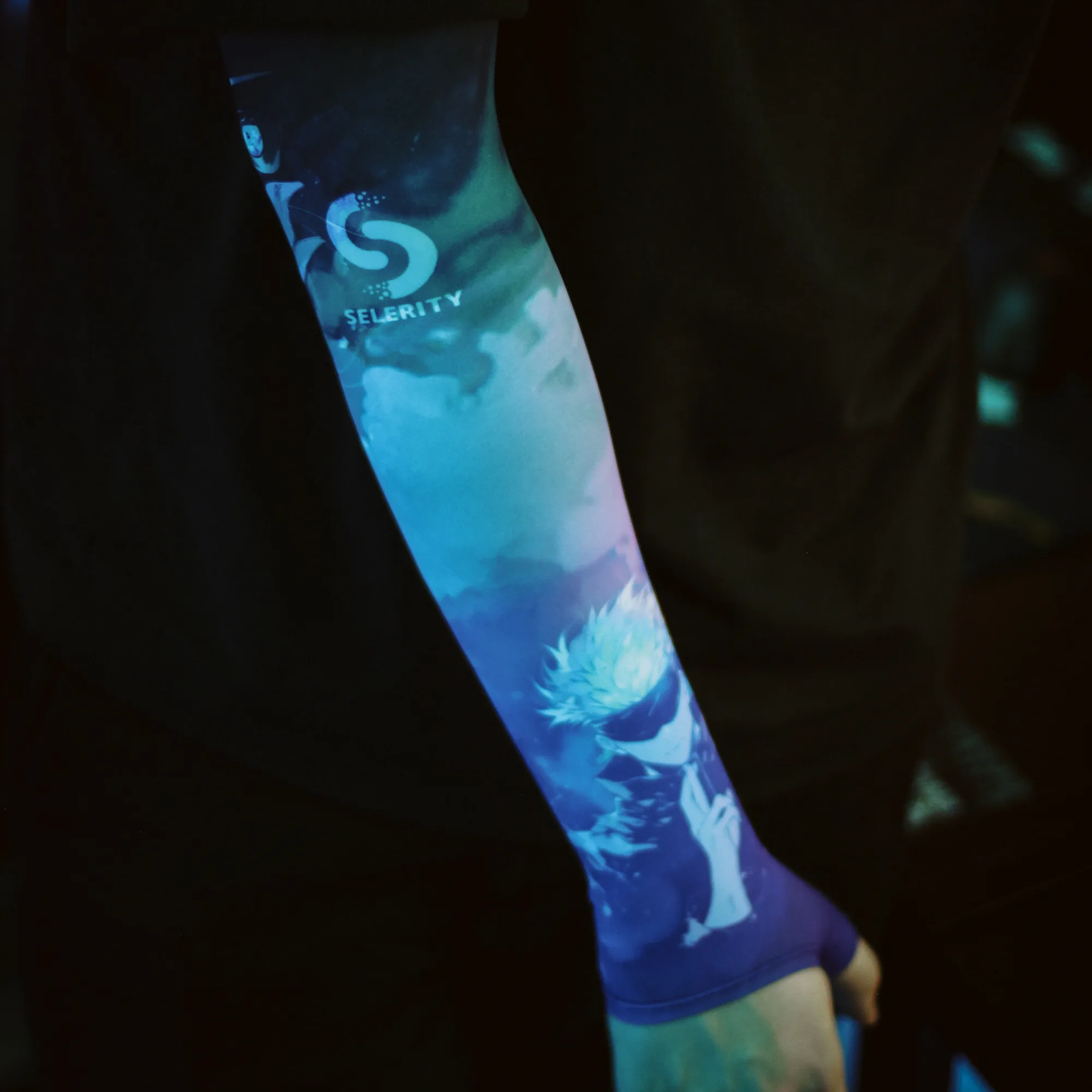
The Evolution of Competitive Armwear in Esports
If you watch modern esports tournaments closely, you will notice a distinct piece of gear worn by many top players across different competitive titles. Arm sleeves have transitioned from a niche accessory into a standard part of the competitive uniform. While they might look like simple athletic gear, they serve a very specific functional purpose for desk-based competitors who rely on precise hand and arm movements.
Competitive gaming requires hours of intense practice and match play. Over time, physical factors like room temperature, arm sweat, and desk friction can subtly alter how your mouse hand moves across the surface. Arm sleeves are designed to neutralize these variables, ensuring your physical execution remains identical from the first match of the day to the last overtime round.
To build a complete setup optimized for smooth tracking, many players pair their armwear with high-performance peripherals. For instance, exploring options like gaming sleeves can fundamentally change how your arm interacts with your desk surface, removing sticky friction points that interfere with flick shots and tracking adjustments.
Eliminating Friction for Consistent Glides
The most immediate benefit of wearing a dedicated arm sleeve is the removal of friction between your forearm and your desk or mousepad. Skin naturally drags against smooth desk surfaces or fabric mousepads, especially when your arm perspires during a tense match. This drag creates micro-resistance that makes small, micro-adjustments difficult to execute reliably.
When your bare skin sticks to the desk, you are forced to consciously adjust your arm pressure, which introduces muscle tension and inconsistency. A smooth sleeve allows your arm to glide effortlessly across the surface in any direction. This consistency is particularly vital for low-sensitivity players who use large arm movements to sweep across their desk.
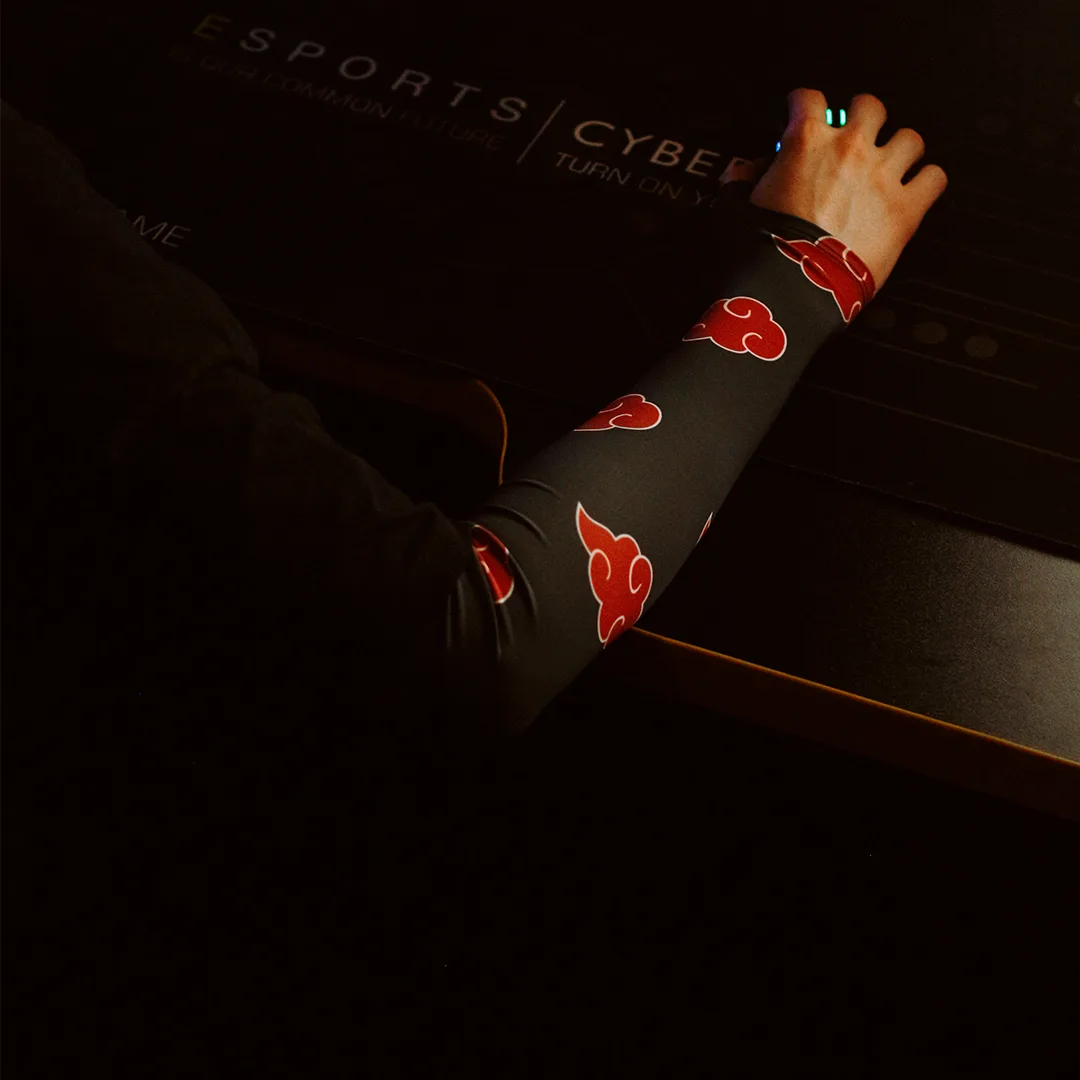
Consistency in mouse movement also relies heavily on the contact point between your mouse and the pad. To complement the fluid motion of your arm, upgrading your hardware with reliable mouse skates ensures that the other half of your physical connection—the mouse itself—moves with zero obstruction and predictable resistance.
Maintaining Comfort and Temperature Control
Marathon gaming sessions generate body heat, and sweat accumulation is a common enemy of precision aim. When sweat builds up on your forearm, it changes the coefficient of friction between your arm and the desk surface unevenly. One minute your arm might glide smoothly, and the next it might catch on a dry spot, ruining your muscle memory.
Gaming sleeves help regulate skin contact by creating a uniform barrier between your arm and your environment. They wick away moisture, keeping your skin dry and maintaining the exact same tactile feel regardless of how warm your room gets or how long you play. This level of physical stability helps keep your focus entirely on the game rather than on physical discomfort.
Selerity offers a wide variety of visually distinct designs that cater to personal preferences without compromising functionality. If you want to match your sleeve with your current setup aesthetics, options like the Sleeve Paint Splash 2.0 provide bold styling alongside performance benefits, while classic alternatives like the Sleeve Black 2.0 offer a sleek, understated look.
Achieving a Cleaner Desk and Better Hygiene
Beyond pure performance, arm sleeves contribute significantly to desk cleanliness and equipment maintenance. Over time, bare skin sheds natural oils and dead skin cells onto your desk surface and mousepad. This buildup creates a grimy residue that requires frequent cleaning and can degrade the texture of cloth mousepads prematurely.
By wearing a sleeve, you capture these oils and particles before they reach your expensive desk surfaces and mousepads. This simple habit keeps your gear cleaner for longer periods, preserving the original glide texture of your mousepad and reducing the frequency of deep cleaning sessions required to maintain your battle station.
To maintain a truly pristine play area, pair your armwear with a durable desk-sized surface that handles daily use effortlessly. Choosing a quality foundation like the Mousepad Ravens 900x400 gives both your keyboard and mouse a uniform, water-resistant base that complements the smooth glide of your arm sleeve.
Practical Tips for Choosing and Using a Gaming Sleeve
Integrating an arm sleeve into your routine requires a bit of attention to fit and maintenance to get the best results. A sleeve that is too tight will restrict blood flow and cause fatigue, while a sleeve that is too loose will bunch up and create new friction points.
- Check sizing charts carefully to ensure the sleeve stays securely in place above your elbow without biting into your skin.
- Wash your sleeve regularly according to the manufacturer instructions to prevent sweat and skin oils from altering its glide texture.
- Pair your sleeve with a balanced mousepad surface to avoid making your overall setup too fast or too slow for your preferred game genre.
If you prefer a cohesive visual theme that ties your entire desktop together, you can also look into matching desk mats. For instance, the Mousepad Hikari Blue 900x400 pairs wonderfully with corresponding sleeve styles to give your gaming space a unified, professional appearance.