Selerity
A Tidy Desk and Cables: Ideas for a Comfortable Gaming Space
By Андрій КоваленкоPublished: 2 min read
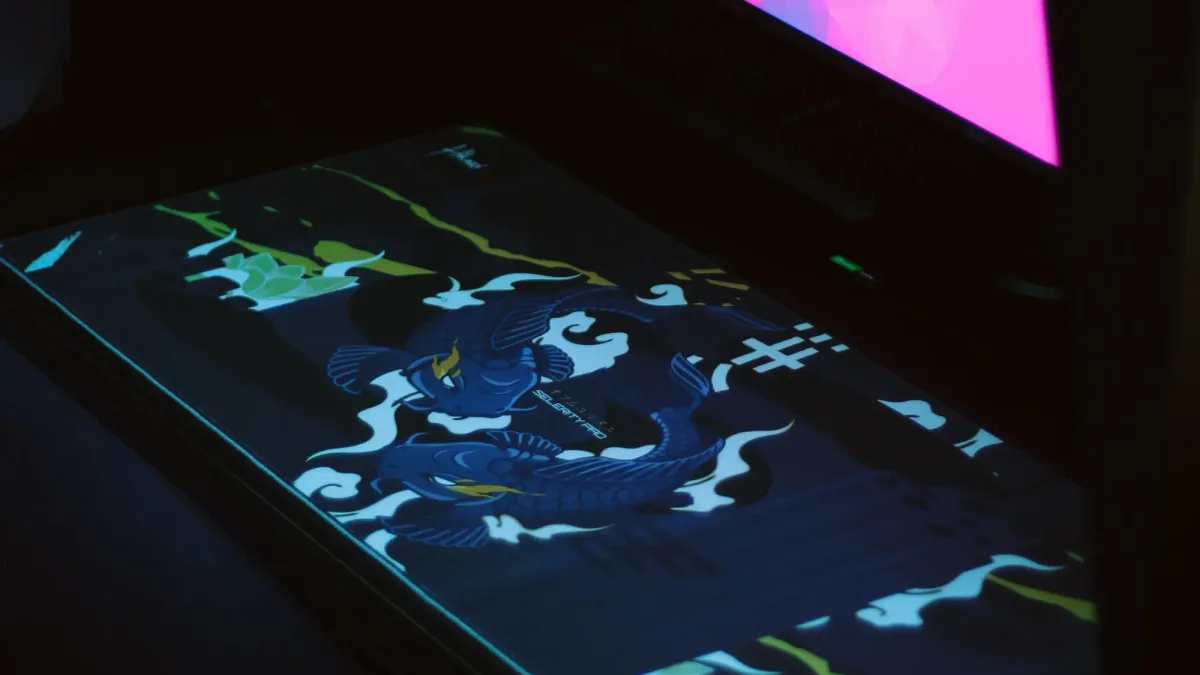
In short: a tidy desk is not just about looks. Cables that are put away do not snag on the pad or your feet, there is less dust, cleaning is easier, and the mouse area stays free. The basis: a free zone under the hand, cables gathered behind the monitor and under the desk, and one surface under keyboard and mouse.
Principles
- A free zone under the hand. Nothing interferes with mouse movement.
- Cables kept away from the play zone. Cords should run to the side, not across the pad.
- Everything in its place. Fewer items on the desk, fewer distractions.
- Access for cleaning. Dust and crumbs should not build up.
Cables: how to organise
- Bundle cables together. Velcro ties, spiral wraps, corrugated sleeving.
- A cable tray or channel under the desk. Takes cables off the floor.
- Mounts on a leg or under the desktop. Clips with an adhesive base.
- A power strip with a switch under the desk, so you do not run several plugs.
- Labels on cables. Mark what goes where.
- Enough length. Cables should not be taut when you move.
The mouse cable
A mouse cord can snag on the pad and desk edge. What helps:
- A cable holder (bungee) above the desk;
- a soft flexible cable;
- moving a wireless receiver closer to the mouse, see wired or wireless mouse.
The desk surface
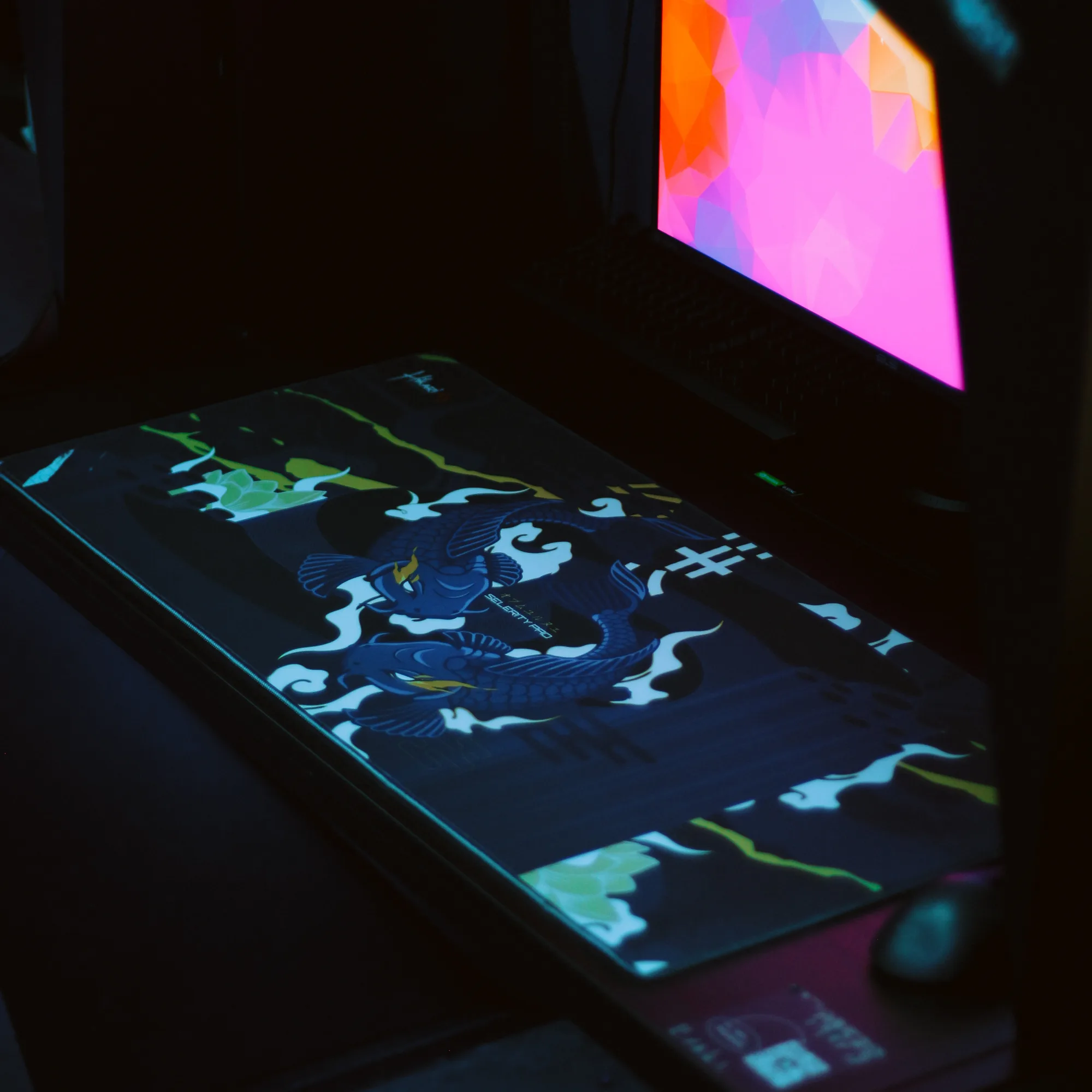
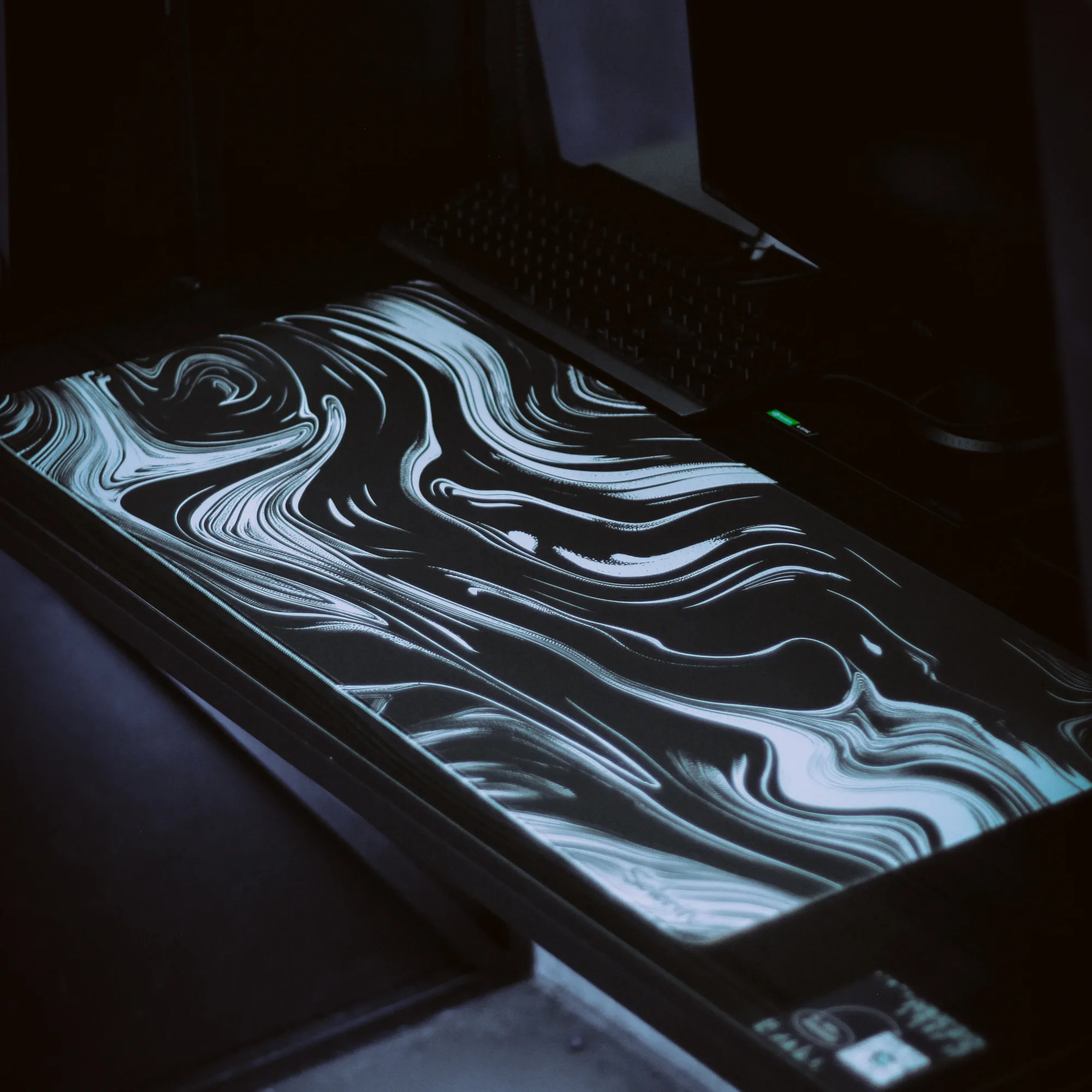
- A full desk pad unites keyboard and mouse on one surface, protects the desk and defines the zone, see full desk mouse pad.
- The pad must lie flat and not slide, see why a mouse pad slides.
- A matte desk surface is better for the mouse and reduces glare.
Placement of equipment
- Monitor at eye height, see monitor height.
- The PC case at the side or under the desk, but not in a closed tight niche: it needs ventilation.
- Speakers and headphones slightly to the sides so they do not take the centre.
- A headphone stand. Keeps them above the desk.
Useful small items
- Velcro and cable ties.
- A monitor stand with small-item compartments.
- A box or tray for small things.
- Wet wipes and a soft brush for cleaning the keyboard.
- A light behind the monitor: soft, not bright, see monitor brightness and room light.
A weekend plan
- Switch off the equipment and unplug the cables.
- Wipe the desk.
- Gather cables into bundles and fix them.
- Lay out the equipment as planned.
- Label the cables.
- Check that nothing is taut or snagging on the pad.
Safety
- Do not overload power strips.
- Do not hide cables under the pad.
- Do not cover the vents of the case and monitor.
- Do not keep liquids near the equipment.
FAQ
How long does it take to tidy cables?
Usually 1–2 hours.
Do I need special cable channels?
Not necessarily: ties are often enough.
Can I hide cables completely?
Practically yes, if the desk allows.
Does tidiness affect play?
Indirectly: fewer distractions and a more comfortable mouse zone.
Sources
- Equipment manufacturers' guidance on ventilation and safety.
Shop picks
This is a selection of shop products on the topic of the article. The article is written independently.