 Selerity
The Perfect Gamer Setup: Sleeve, Mousepad and Glides
01/10/2026
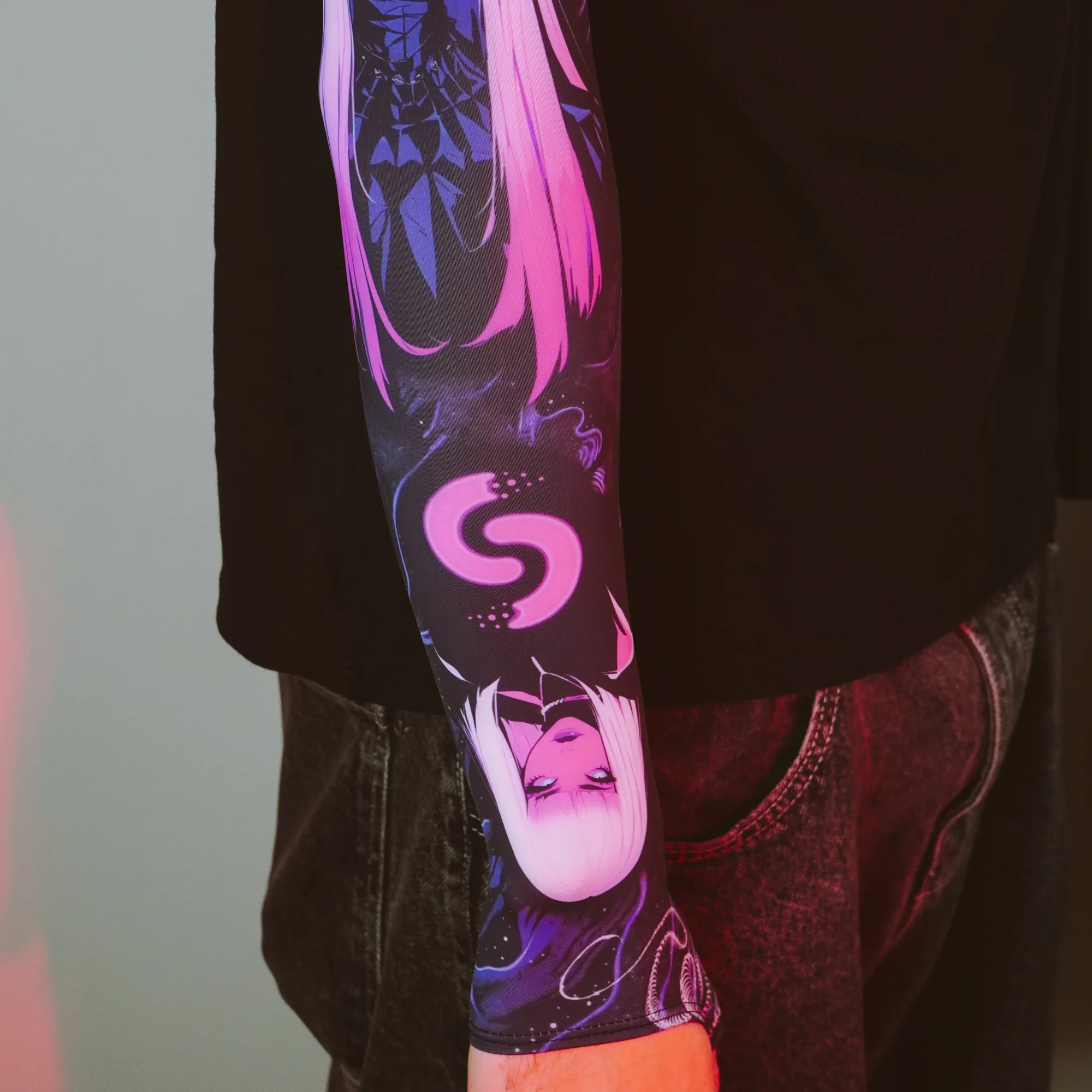
Understanding Aim Consistency Through Gear Synergy
Building a reliable aiming routine requires more than just high in-game hours and proper posture. Every physical point of contact between your arm, your mouse, and your desk influences how your hand moves across the surface. When your skin sticks to the wooden or plastic desk, or when your mouse feet drag unevenly, your muscle memory suffers from micro-adjustments you never intended to make.
Achieving true consistency means eliminating variables. If your forearm glides smoothly across the fabric regardless of humidity or room temperature, your flicks and tracking will naturally become more repeatable. Combining the right components transforms your desk into a unified ecosystem where every movement translates faithfully to the screen without unexpected resistance.
The Role of the Gaming Sleeve in Friction Control
Humidity and sweat are the silent enemies of consistent aim. On a warm day, bare skin can grip your desk or mousepad, causing micro-stutters during critical tracking scenarios. A dedicated gaming sleeve creates a uniform barrier between your arm and the contact surface, ensuring that your skin texture or sweat levels never alter your glide.
When choosing a sleeve, look for breathable materials that stay secure without cutting off circulation. Many players prefer options with an open palm design for maximum tactile feedback on the mouse. You can explore various designs, such as the Sleeve Black 2.0 for a minimalist aesthetic, or add a vibrant touch to your battle station with the Sleeve Paint Splash 2.0. For a secure fit that complements a wider range of hardware, browse the full selection of Sleeves available at Selerity.
Choosing the Right Mousepad for Your Playstyle
Your mousepad dictates the foundational glide and stopping power of your mouse. Speed surfaces allow for effortless initiation of movement, making them ideal for tracking-heavy games, while control surfaces offer more initial friction to help you lock onto targets with precision. Size also matters; a larger desk mat ensures you never run out of space during low-sensitivity sweeps.
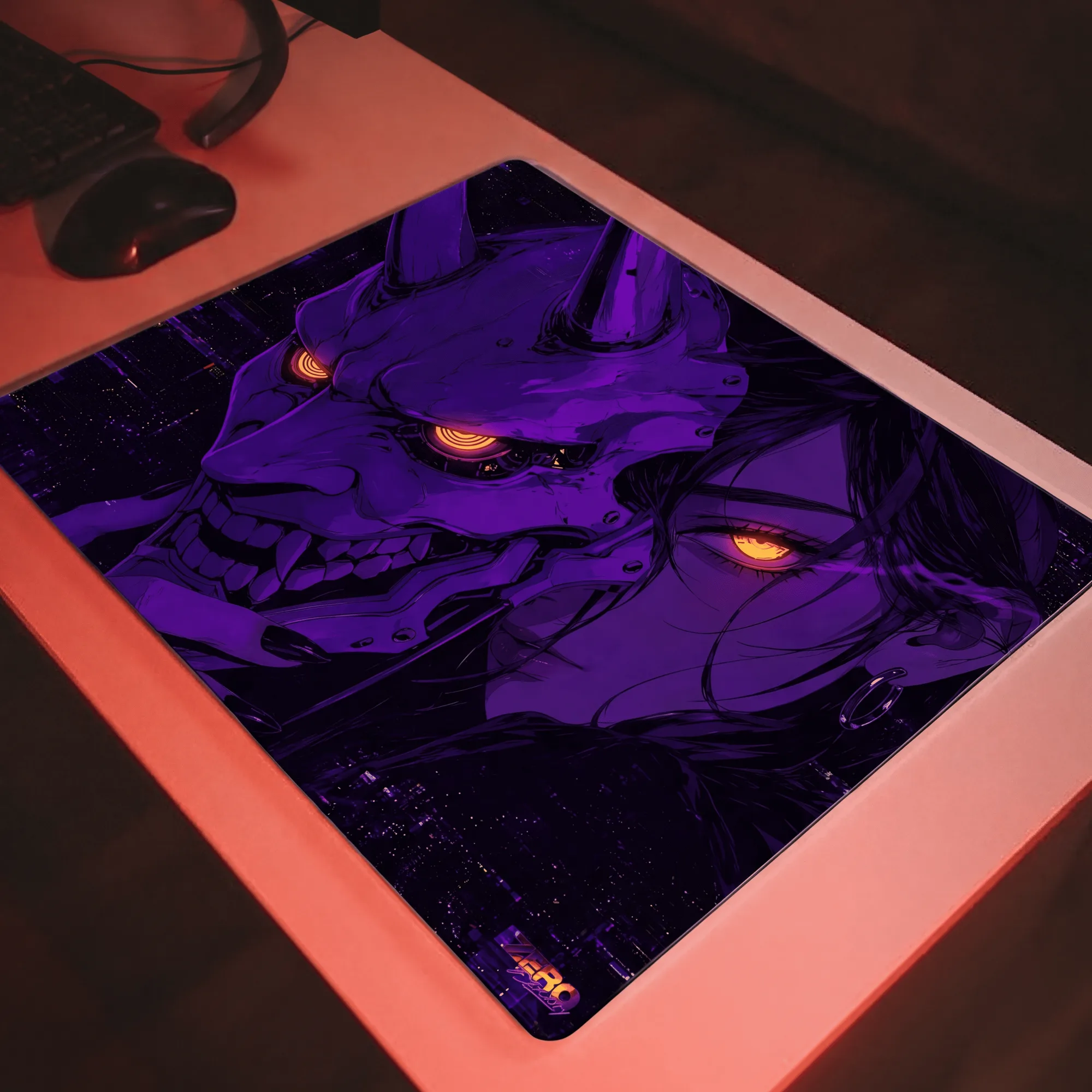
Extended mousepads also provide a stable platform that cushions your wrist and keyboard. If you want a spacious surface with water-resistant properties, consider the Mousepad Ravens 900×400 featuring detailed artwork, or match your peripherals with the Mousepad Hikari Blue 900×400. You can view all available surface textures by visiting the main Mousepads category.
Upgrading Mouse Glides for Effortless Gliding
Stock mouse feet often wear down over time, developing micro-scratches that create a scratchy feeling against the weave of your pad. Upgrading to aftermarket mouse glides significantly reduces friction and restores that out-of-the-box glide. Pure PTFE skates, for instance, offer a smooth, predictable glide that lets your mouse float across the cloth.
- Inspect your current mouse feet for visible wear, peeling edges, or deep scratches.
- Remove any adhesive residue completely with isopropyl alcohol before applying new skates.
- Allow the new glides to settle on your mousepad for a brief break-in period to achieve optimal smoothness.

To find compatible options for your specific rodent model, check out the collection of Mouse Skates designed to reduce drag and improve overall glide consistency.
Bringing It All Together: Setup Checklist
Integrating a sleeve, mousepad, and glides requires a methodical approach to ensure everything works harmoniously. You want a setup where your arm moves freely over the pad, your mouse tracks without catching on worn-out feet, and your entire desk layout promotes ergonomic comfort during long sessions.
- Position your mousepad so your elbow and wrist maintain a natural, strain-free angle.
- Pull your sleeve up securely so the fabric covers any skin that might touch the desk edge.
- Test your glide with slow tracking circles and fast flicks to ensure zero unexpected friction points.
By treating your aiming gear as an interconnected system rather than isolated accessories, you create a reliable physical foundation that supports your competitive performance every time you sit down to play.