 Selerity
Low Sensitivity and Wide Swipes: What Mouse Pad You Need and How to Work Out the Size
By Андрій КоваленкоPublished: 4 min read
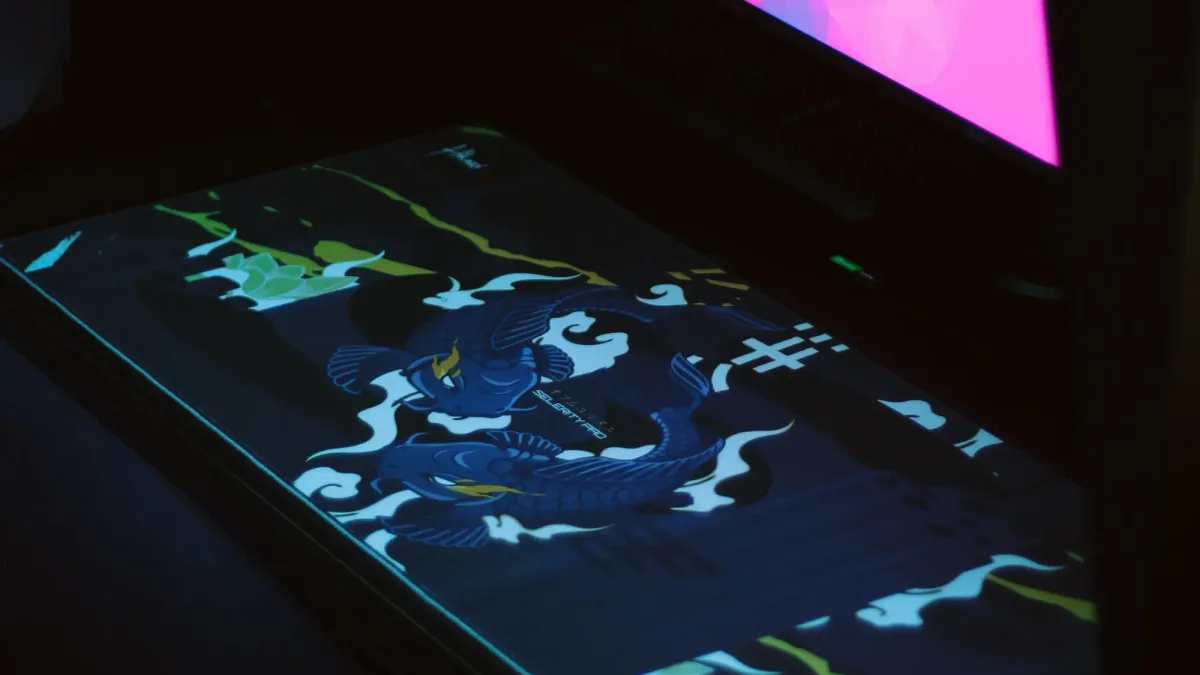
In short: you choose a pad size not by feel but by how many centimetres you move the mouse to turn 360° in game. That number is called cm/360. The larger it is, the wider the pad you need, and the more a stable, fast surface matters.
What does low sensitivity mean in numbers?
Sensitivity is set by two parameters: the mouse DPI and the in-game sensitivity. Their product is eDPI. But eDPI is only comparable within one game, because the angle turned per "step" differs between games. The universal measure is cm/360: how many centimetres you move the mouse for a full turn.
Formula:
cm/360 = (360 × 2.54) ÷ (DPI × sensitivity × game coefficient)
Game coefficient (also called yaw):
- CS2 / CS:GO: 0.022
- Valorant: 0.07
Examples
| Game | DPI | Sensitivity | eDPI | cm/360 |
|---|---|---|---|---|
| CS2 | 800 | 1.0 | 800 | ≈ 52 cm |
| CS2 | 800 | 2.0 | 1600 | ≈ 26 cm |
| CS2 | 400 | 1.0 | 400 | ≈ 104 cm |
| Valorant | 800 | 0.4 | 320 | ≈ 41 cm |
As a guide: in precision shooters many players use roughly 25 to 60 cm/360. "Low" is usually anything above 40–50 cm/360 and "very low" above 70–80 cm/360. There is no sharp boundary, and the optimum is personal.
How much room does the mouse need?
You rarely do a full 360° turn. More often a player turns 90–180° and then makes small corrections. So the whole cm/360 does not need to fit in one swipe: you can lift the mouse and reposition. But the narrower the pad, the more often you lift and the harder it is to keep a rhythm.
A simple practical calculation:
- Work out your cm/360.
- Halve it: that is the distance for a 180° turn.
- Add 5–10 cm of margin on each side.
For 52 cm/360 a 180° turn is 26 cm. A 450×400 mm pad is enough, or a large 900×400 mm one. For 100 cm/360 a 180° turn is 50 cm, and 900×400 mm or larger is better.
Typical sizes and who they suit
| Size | Approx. | Who it suits |
|---|---|---|
| Small (≈ 320×270 mm) | up to 25–30 cm/360 | high sensitivity, little desk space |
| Medium (≈ 450×400 mm) | 30–55 cm/360 | the all-round choice for CS2 and Valorant |
| Large (900×400 mm) | 50–100 cm/360 | low sensitivity, wide arm movements |
| Extra large / full desk (1200×600 mm and up) | 80 cm/360 and up, or when the keyboard sits on the pad | those who move the whole arm from the shoulder |
These are guides, not rules: your technique (wrist or whole arm) changes the area you need.
What surface do wide movements need?
At low sensitivity you drag the mouse further and with larger amplitude, so the surface should:
- Be even across the whole area. If the pad glides differently in different places (worn centre, a crease), you feel it on long swipes.
- Give predictable starting speed. The mouse must not "catch" at the start. A thinner, firmer base helps; see Mouse pad surfaces: what sets speed and control.
- Not collect dirt. A big pad under your hand all day changes its glide faster than a small one.
For large pads people often choose medium-speed cloth on a thin firm base. A soft 5 mm foam core is more comfortable for the wrist, but the mouse sinks slightly and loses speed.
Pad and desk: what else to consider
- Desk depth. A 400 mm deep pad does not always fit together with a keyboard. If the desk is narrow, either pick a 900×300 size or accept that part of the pad will sit under the keyboard.
- Desk edges. If the pad hangs over the edge, your hand "trips" on the height difference. Better to keep the whole pad on the desk.
- Flatness. Desk unevenness shows through a thin pad.
- Keyboard position. If the keyboard sits far left and the pad is wide, the elbow ends up at an awkward angle. Check your posture, see monitor height and sitting position.
How to tell you do not have enough room
Signs the pad is too small for your sensitivity:
- you keep lifting the mouse mid-fight on medium turns;
- the mouse reaches the pad edge or runs off onto the desk;
- you cannot comfortably do a 180° turn with one arm without changing the elbow position.
If you recognise these, first try raising your sensitivity slightly. That may fix it without a new pad. If you are happy with your sensitivity and simply want comfort, get a larger pad.
FAQ
What pad do I need for low sensitivity?
Do I need to lower sensitivity to play better?
Does an XXL pad suit low sensitivity?
Does DPI affect pad size?
How do I check my cm/360 quickly?
Sources
- Valve documentation on sensitivity (Source engine, yaw 0.022 for CS).
- Riot Games documentation on Valorant sensitivity (yaw 0.07).
Shop picks
This is a selection of shop products on the topic of the article. The article is written independently.
Read also
Mouse Pad for CS2, Valorant and Dota 2: Does Genre Make a Difference?
Read →Mouse Pad Surfaces: Cloth, Plastic, Glass and Rubber, and What Really Sets Speed and Control
Read →Why Your Mouse Pad Slides Around the Desk and How to Fix It
Read →