 Selerity
Mouse Grips: When They Help and How to Choose
01/10/2026
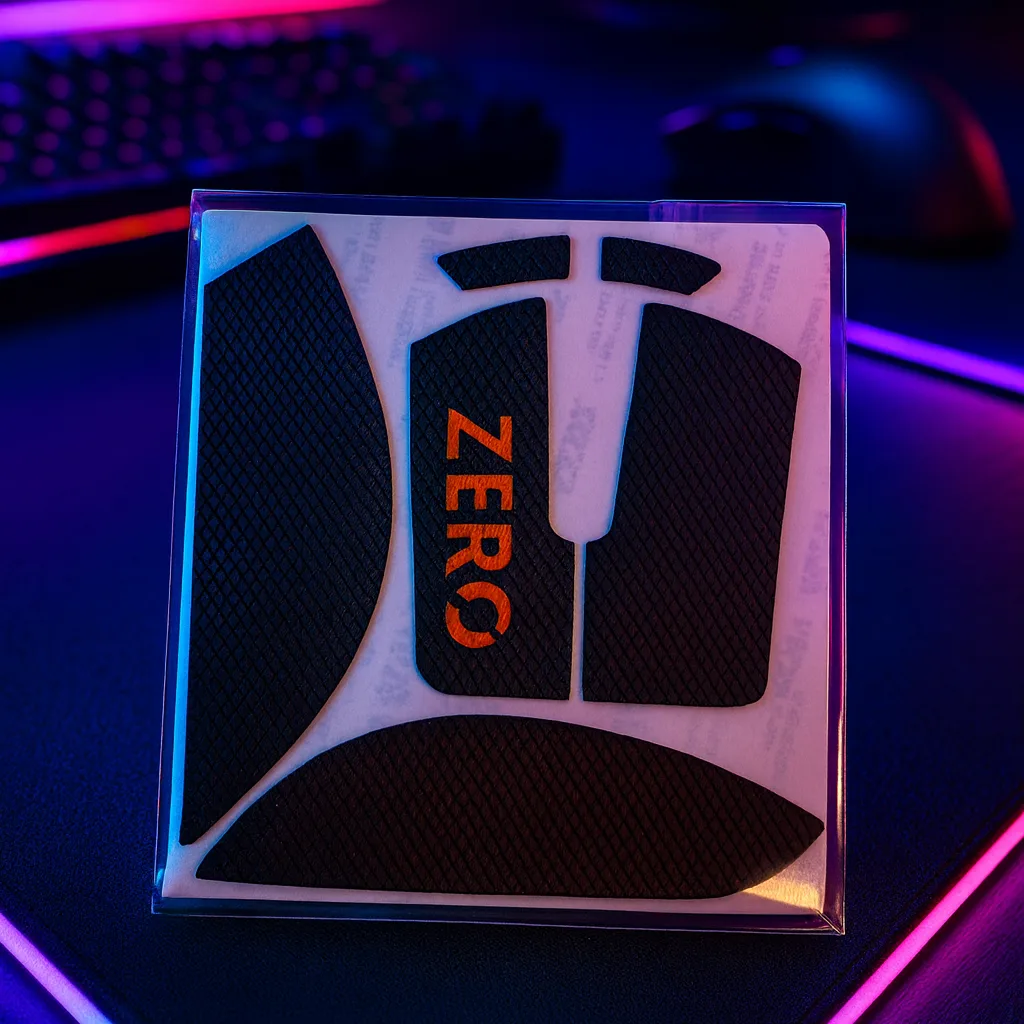
Understanding Mouse Grips and How They Improve Control
Maintaining a secure hold on your peripheral during intense gaming sessions is essential for consistent aiming and movement accuracy. Many modern mice feature smooth matte plastics or coatings that can become slippery over time, especially if your hands tend to sweat during extended matches. Mouse grips, often made of textured polyurethane, rubber, or sometimes specialized athletic tapes, are precut stickers applied directly to the main buttons and side panels to resolve this issue.
When you apply a grip, you fundamentally alter the tactile feedback and overall width of the chassis. This tactile enhancement allows for a more relaxed hand posture because you no longer need to squeeze the mouse tightly to lift it or execute rapid flick shots. Beyond simple friction, grips can subtly fill out empty space in your palm or under your fingers, helping your hand conform more naturally to the shape of asymmetrical or symmetrical shapes.
While grips are a fantastic customization tool, they are not a universal requirement for every player. If your current setup feels secure and your hands remain dry, adding extra layers might be unnecessary. However, if you find your thumb slipping during critical moments, exploring what Selerity accessories offer can guide you toward stabilizing your grip profile.
When Do You Actually Need Mouse Grips?
Identifying the right time to upgrade your setup depends entirely on your physical comfort and playing environment. If you notice that your hand shifts position on the mouse surface after a rapid movement, or if you constantly have to readjust your grip between engagements, adding traction tapes can provide an immediate and noticeable improvement.
Another common scenario involves hand perspiration. Ambient room temperature and intense competitive pressure can cause palms and fingertips to sweat, reducing the natural friction against bare plastic. Textured surfaces maintain their coefficient of friction much better under moist conditions than standard matte coatings. For a complete desk upgrade alongside your new grips, pairing your peripheral with a stable surface like the Mousepad Ravens 900×400 ensures your entire hand and arm movement remains steady and predictable.
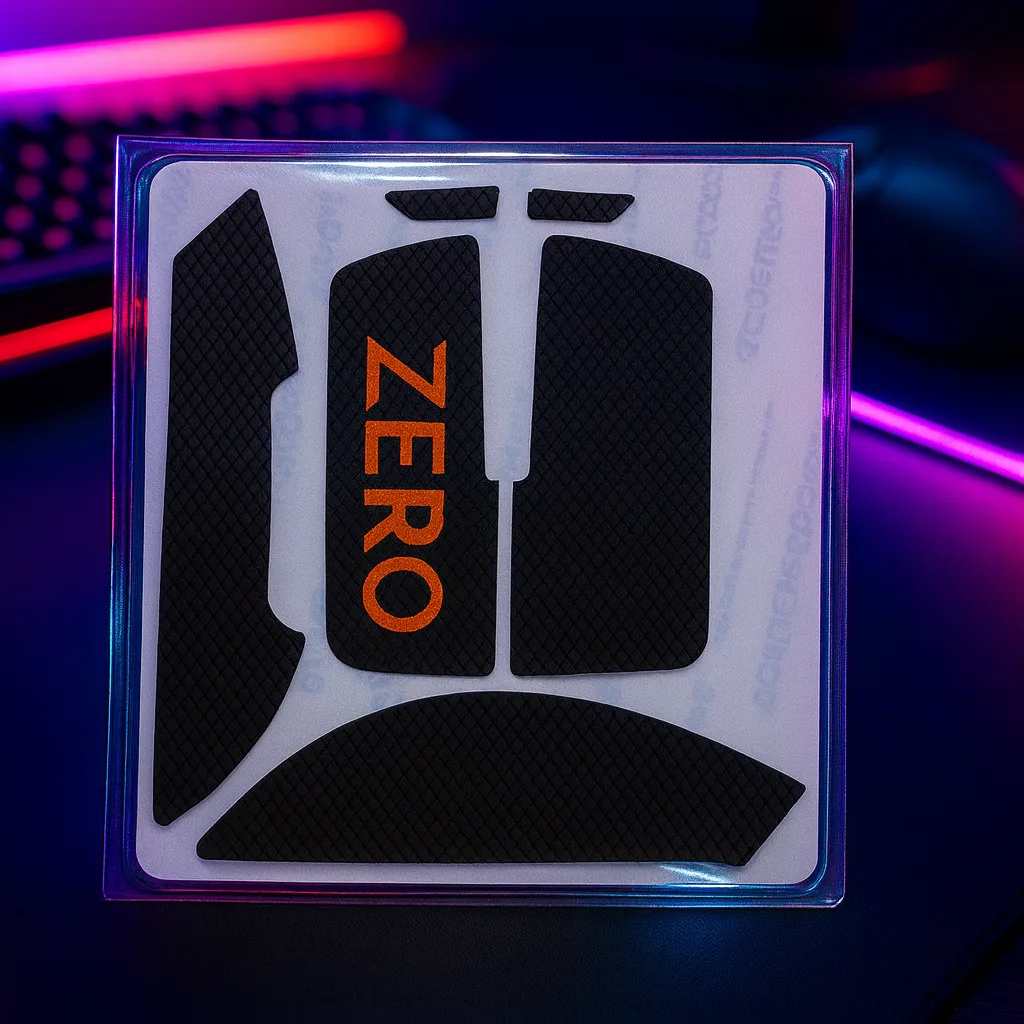
Finally, consider your grip style. Palm and claw grip users often rely heavily on side panel contact to lift the mouse vertically. If your fingers slide off the edges during lifts, adding dedicated side stickers solves the problem without requiring you to change your natural ergonomics or purchase an entirely new mouse model.
Choosing Grips for Logitech and Razer Mice
Logitech and Razer mice dominate the competitive landscape, but their distinct shapes require specific considerations when selecting adhesive traction. Pre-cut grips are engineered to match the exact dimensions of specific models, accommodating side buttons, curvature, and panel seams without interfering with sensor placement or switch actuation.
When shopping for popular symmetrical shapes, such as the Logitech G Pro series or Razer Viper lines, look for kits that offer uniform thickness across both main clicks. This ensures that the actuation weight and travel distance feel balanced between your index and middle fingers. For ergonomic shapes like the Logitech G703 or Razer DeathAdder, prioritize side panel coverage where your thumb and ring finger rest to maximize leverage.
To build a truly cohesive desktop environment, many players like to match their functional upgrades with visual aesthetics. You can complement your textured peripheral setup by integrating artwork themes from the Mousepad Hikari Blue 900×400 into your station design.
Material Thickness, Texture, and Durability
Not all traction tapes are created equal, and understanding material differences will help you choose a set that matches your personal preference. Thickness generally ranges from a paper-thin zero point four millimeters up to thicker one point two millimeter options that add substantial cushion.
- Thin grips (0.4mm - 0.5mm): Ideal if you want to maintain the original mouse shape and width while simply adding surface tackiness.
- Medium grips (0.6mm - 0.8mm): Provide a balanced blend of vibration dampening and enhanced filling for larger hands.
- Thick grips (1.0mm+): Best for players seeking maximum squish and a significantly filled-out palm or thumb rest area.
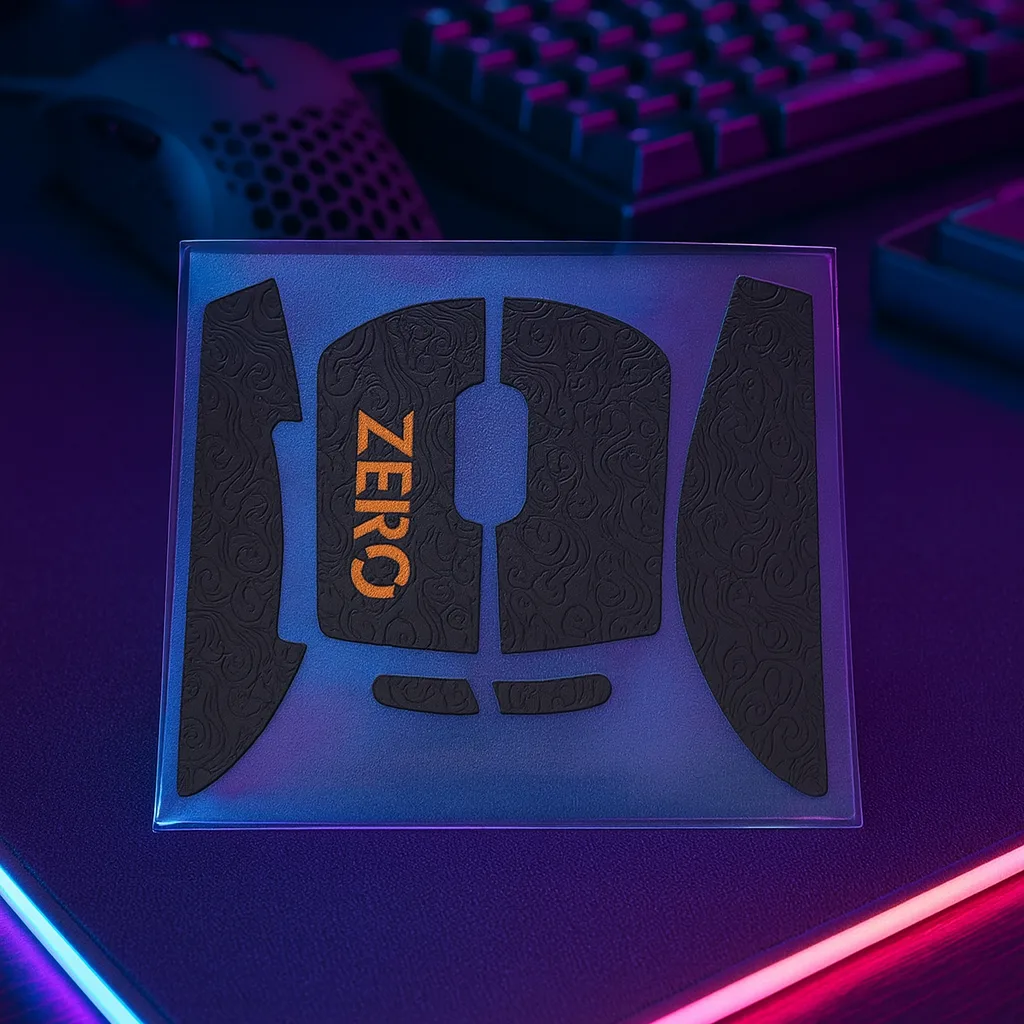
Texture also plays a vital role. Diamond patterns offer aggressive, locked-in multi-directional friction, while smooth rubberized or leather-like textures provide a softer, more comfortable daily driving experience. Keep in mind that softer materials may wear down faster under heavy daily use and will require periodic cleaning to maintain their original tackiness.
Installation Tips and Maintenance for Long-Lasting Hold
Proper installation ensures that your traction stickers remain firmly in place during aggressive gaming sessions and do not peel at the edges over time. Rushing the preparation phase is the most common reason adhesives fail prematurely, leaving sticky residue on your hardware.
Follow this quick checklist for a flawless application:
- Wipe the entire mouse surface thoroughly with isopropyl alcohol to remove skin oils, dust, and manufacturing residue.
- Let the plastic dry completely for a minute before touching the surface again.
- Peel the stickers carefully from the backing paper, using tweezers for precise alignment if necessary.
- Press down firmly across the entire sticker, especially along the curved edges, to activate the pressure-sensitive adhesive.
Once installed, avoid picking at the corners. To clean your new grips over time, wipe them gently with a slightly damp microfiber cloth and mild soap, avoiding harsh chemical solvents that can degrade the rubber compounds.
Completing Your Competitive Setup
Optimizing your aim involves more than just improving finger traction on your main mouse body. True consistency comes from addressing every point of contact between your hand, your desk, and your hardware. Once your grip and gliding surfaces are fully dialed in, you can further refine your mechanical execution by exploring other performance-enhancing gear found in the Selerity accessories collection.
By combining properly fitted traction stickers, smooth glide feet, and a clean tracking surface, you create a harmonious hardware ecosystem. Take your time evaluating your physical needs, select the correct pre-cut templates for your specific peripheral model, and enjoy a more secure, fatigue-free competitive experience.