 Selerity
How to Deal with Sweaty Palms While Gaming
01/10/2026

Understanding Why Your Hands Sweat During Gaming
Hand sweat is a completely natural physiological response, but it can quickly become an irritating obstacle during competitive gaming matches. When adrenaline spikes during a clutch situation in a shooter or a tense endgame in a strategy title, your sympathetic nervous system activates. This triggers your sweat glands, particularly on your palms and fingertips, as part of your body's standard reaction to stress and excitement.
Unfortunately, moisture on your hands changes the way you interact with your peripherals. It alters friction against your mouse surface, creates a slippery grip on your controller, and can even leave residue on your equipment over time. Understanding that this is a physical reaction rather than a flaw is the first step toward managing it effectively without letting it ruin your performance.
While you cannot completely stop your body from reacting to high-stress scenarios, you can change your environment, your maintenance habits, and your gear choices to mitigate the effects. Implementing a few straightforward adjustments to your setup and routine will keep your hands drier and your control consistent throughout long sessions.
Optimizing Your Gaming Environment and Hand Hygiene
The immediate environment plays a massive role in how much your hands sweat. High ambient temperatures and poor airflow trap heat around your desk, causing your entire body to warm up and perspire. Ensuring proper ventilation in your room or using a small desk fan directed at your hands can significantly reduce moisture buildup while you play.
Hand hygiene also makes a noticeable difference. Washing your hands with cool water before starting a gaming session removes natural oils and sweat residue that accumulate throughout the day. Thoroughly drying your hands with a clean towel ensures you start with a neutral baseline, rather than adding existing moisture to your peripherals.
Consider keeping a small micro-fiber towel nearby to quickly wipe your hands and gear between matches. Taking short breaks every hour allows your skin to breathe, lowers your overall body temperature, and gives you a chance to reset both mentally and physically for the next round.
Choosing the Right Peripherals and Surface Materials
The materials you touch dictate how well moisture is managed during gameplay. Glossy plastic mice and smooth pads tend to trap sweat, creating a slick barrier that compromises your aim. Upgrading to gear specifically designed with moisture control in mind helps maintain reliable traction even when your hands are damp.
For instance, pairing your setup with a moisture-resistant surface like the Ravens 900x400 Mousepad ensures that incidental sweat or humidity does not alter the glide of your mouse. Similarly, maintaining smooth mechanical movement underneath your peripheral with a dedicated set of Mouse Skates keeps your glide consistent regardless of environmental factors.
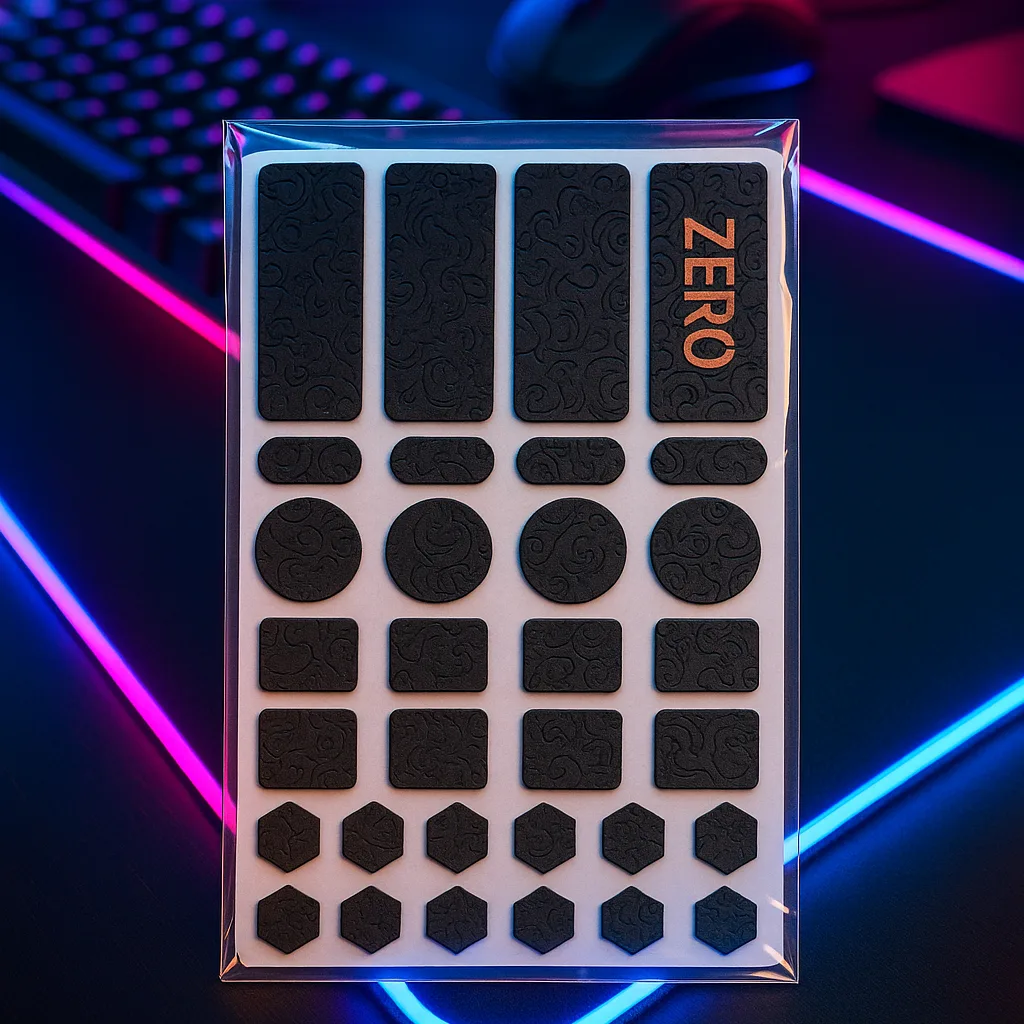
When looking for broader setup improvements, exploring specialized Accessories or investing in a reliable Gaming Mouse with a textured shell can make a substantial difference in how securely you hold onto your equipment during fast-paced movements.
Using Arm Sleeves for Better Stability and Sweat Control
Many gamers overlook the benefits of wearing arm sleeves, yet they offer a practical solution for managing sweat on the upper limbs and preventing your arm from sticking to the desk surface. Friction between a bare arm and a wooden or glass desk can cause erratic movements, especially when sweat is involved.
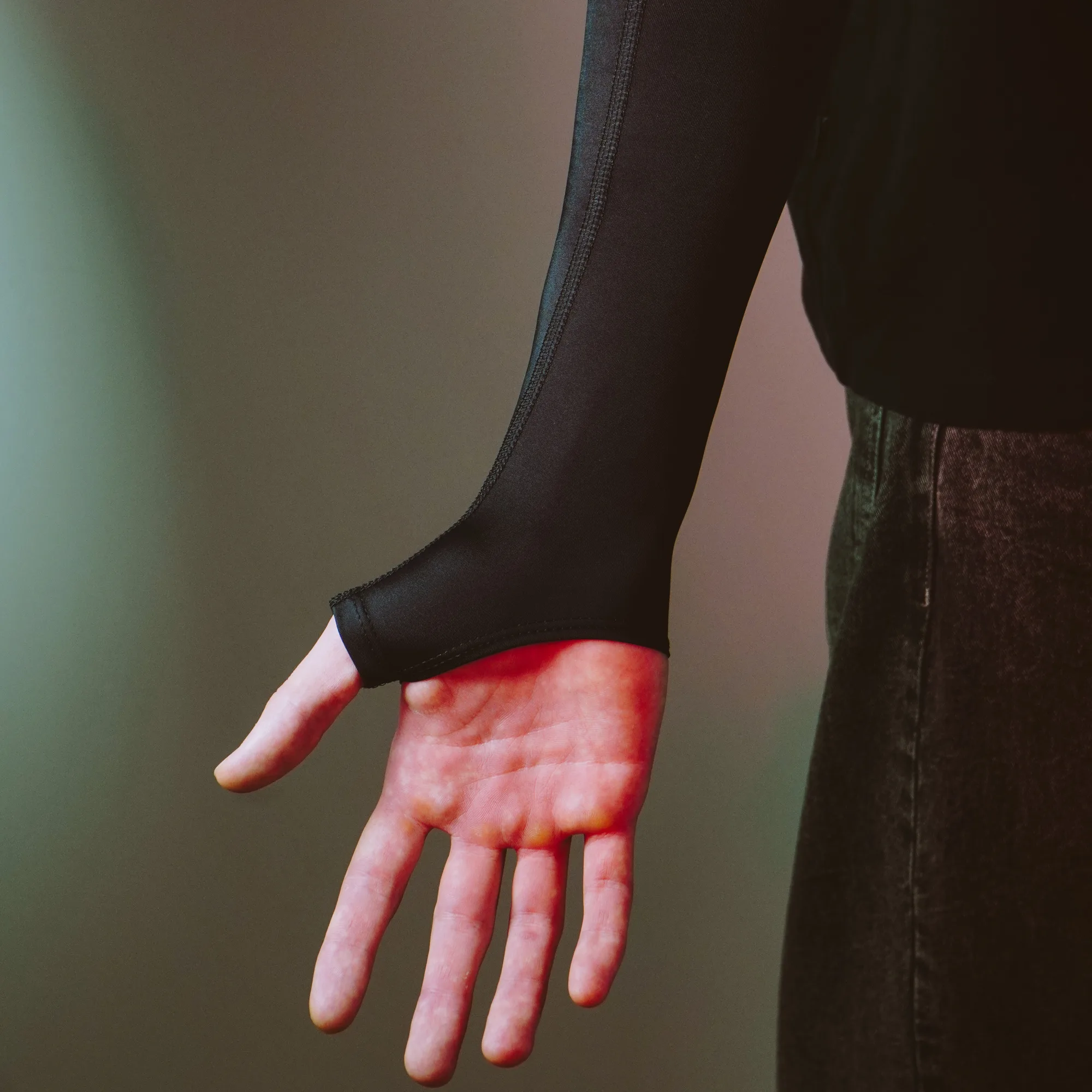
Selerity designs specialized armwear that fits snugly without restricting circulation, allowing for smooth, unrestricted sweeps across your desk surface. If you prefer a design that also covers part of the hand while keeping your palm open for direct mouse contact, the Black 2.0 Sleeve provides a reliable fit and clean aesthetic.
For those who want to add some personal style to their battle station while maintaining the same functional benefits, options like the Hikari Blue 2.0 Sleeve or the vibrant Paint Splash 2.0 Sleeve offer excellent breathability and moisture management for extended sessions.
Maintenance and Cleaning Routine for Sweat-Prone Gear
Sweat contains salts and natural oils that can degrade the coatings of your gaming gear over time if left unaddressed. Establishing a regular cleaning routine protects your investment and ensures your equipment performs like new for as long as possible.
- Wipe down your mouse shell with a slightly damp microfiber cloth after intense gaming sessions to remove salt residue.
- Clean your mousepad periodically according to manufacturer instructions to prevent sweat buildup from altering the glide texture.
- Wash your arm sleeves regularly on a gentle cycle to keep the fabric fresh and maintain its elasticity.
By keeping your equipment clean, you prevent the accumulation of grime that often makes sweaty hands feel even more slippery. A well-maintained surface reacts predictably, giving you the confidence to execute precise movements without second-guessing your grip.