 Selerity
How to Clean Your Gaming Mousepad Safely
01/10/2026
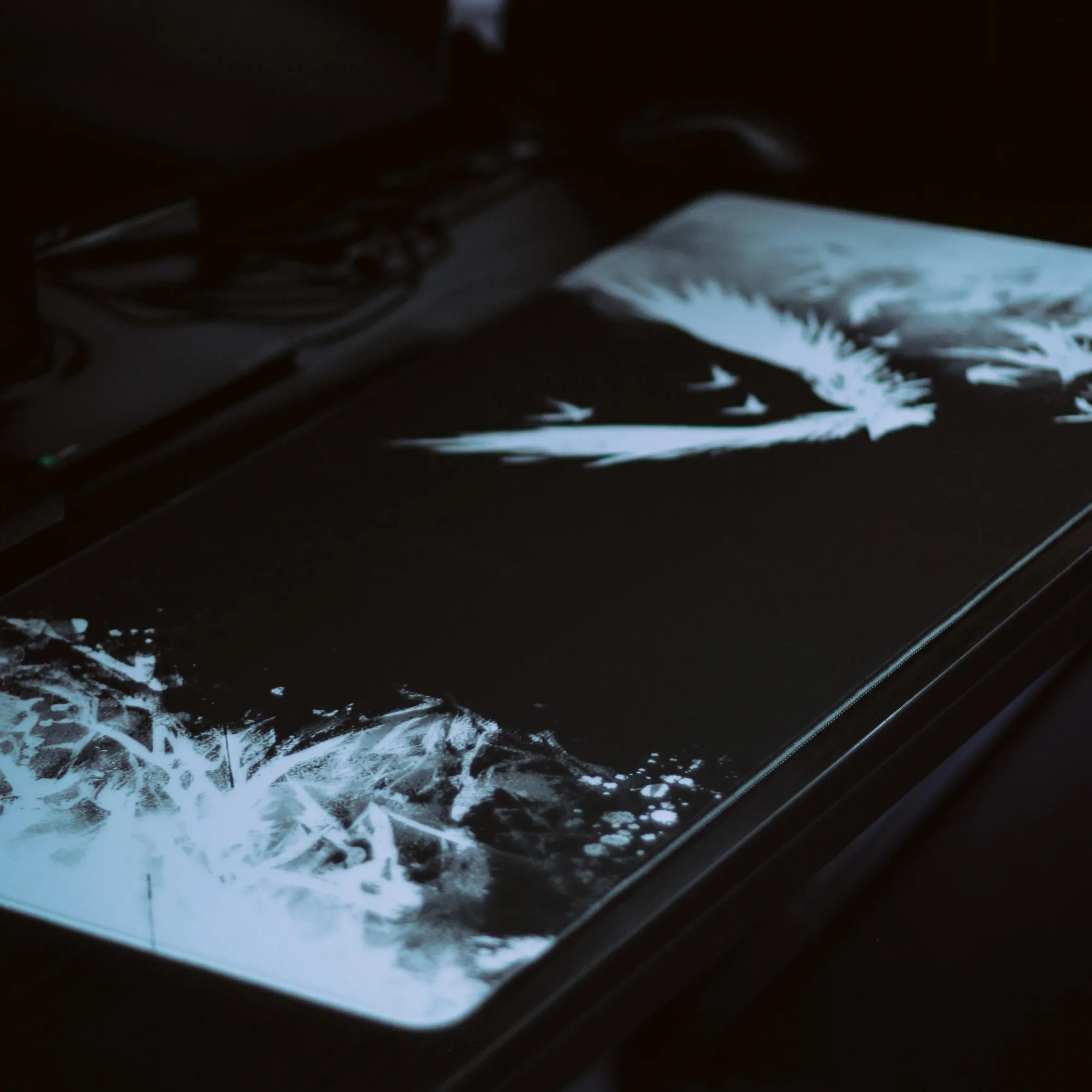
Why Regular Maintenance Matters for Your Mousepad
Over time, dust, dead skin cells, sweat, and natural skin oils accumulate on the surface of your gaming setup. When this residue builds up on a cloth gaming mousepad, it creates microscopic hills and valleys that alter the friction of your glide. You might notice that your mouse movements feel muddy, inconsistent, or scratchy during critical gaming moments. Keeping the surface clean restores the original glide profile, ensuring predictable stopping power and smooth tracking for your sensor.
Neglecting maintenance can also cause permanent fabric degradation. Oils and sweat trapped in the weave attract more dust and can eventually break down the adhesive backing that keeps the rubber base flat on your desk. By establishing a routine cleaning schedule, you protect your investment and maintain peak performance for competitive play. Many players pair their clean surface with fresh mouse skates to maximize smoothness.
Before you begin the cleaning process, it is important to identify your specific mousepad type. Most modern options feature a cloth top over a natural rubber base with stitched borders to prevent fraying. However, hard plastic or glass surfaces require entirely different care methods. The instructions detailed below are specifically tailored for cloth surfaces, focusing on gentle methods that preserve the texture without causing warping, peeling, or fading of the artwork.
What You Need Before You Start
Gathering the right supplies prevents accidental damage to the fabric or the rubber base. You do not need expensive specialized chemicals; in fact, harsh solvents can dissolve the adhesives or ruin the fabric weave. Simple household items work best when used correctly. Check your supply list against the following items before taking your gear apart:
- A clean bathtub, large basin, or flat sink
- Lukewarm water (never hot water, as it can warp rubber)
- A mild dish soap or specialized garment cleaner
- A soft-bristle brush, microfiber cloth, or clean sponge
- A dry, clean towel
Avoid using abrasive scrubbing pads, stiff-bristled brushes, or washing machines. Mechanical agitation and high spin cycles can bend the rubber base permanently, loosen the stitched edges, or crease the cloth surface beyond repair. Hand washing is the only safe method to ensure longevity. Once your workspace is ready, you can safely disconnect your mouse and other peripherals to clear the desk area.
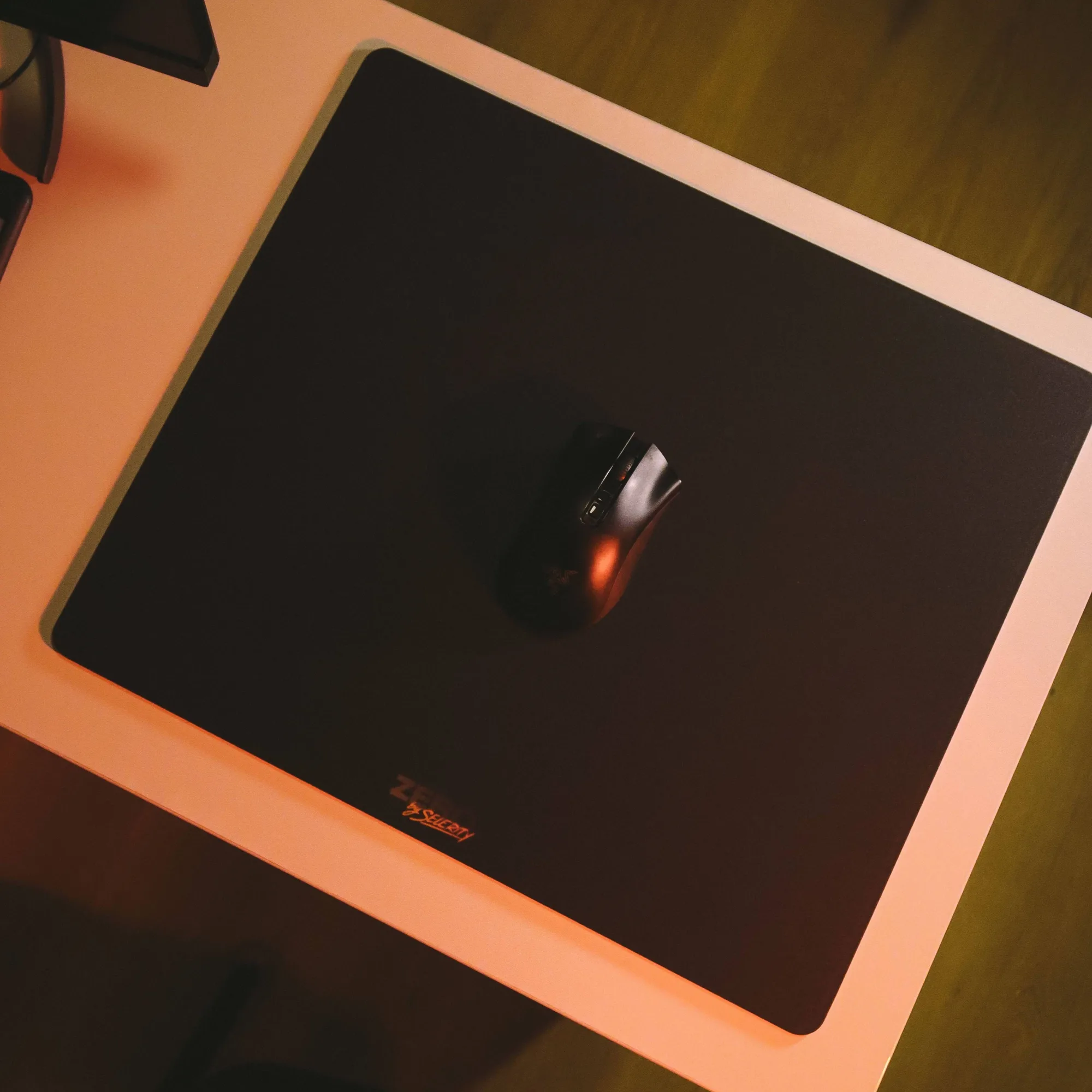
Step-by-Step Washing Instructions
Start by filling your basin or bathtub with a few inches of lukewarm water. Add a few drops of mild dish soap and agitate the water until suds form. Submerge the mousepad completely, ensuring the entire fabric absorbs the soapy water. Let it soak for about five to ten minutes to loosen stubborn oils and embedded dust particles trapped deep within the cloth weave.
Take your soft sponge or microfiber cloth and gently wipe the surface in circular motions. Pay special attention to the areas where your wrist and forearm rest most frequently, as these accumulate the heaviest oil residue. For intricate designs like the popular Ravens 900x400 model, gentle wiping ensures the print stays vibrant and sharp without degrading the fabric texture.
Once you have scrubbed the entire surface, drain the soapy water and rinse the mousepad thoroughly with clean, lukewarm running water. Ensure all soap residue is completely washed away, as leftover detergent acts as a magnet for new dust and can create a sticky patch. Gently press the water out of the fabric with your hands, but do not wring, twist, or fold the material.
Drying Techniques to Prevent Warping
Proper drying is the most critical step in preventing permanent damage. Lay a clean, dry towel flat on a stable surface, then place the damp mousepad flat on top of it. Roll the towel and the mousepad together gently to press out the excess moisture without bending the rubber base. Unroll the towel and remove the mousepad carefully.
Place the mousepad flat on a drying rack or a clean surface in a well-ventilated room away from direct sunlight and heat sources. Never use a hair dryer, clothes dryer, or place the pad on a radiator. High heat will warp the rubber backing, cause the edges to curl up, and potentially melt the synthetic fabric fibers. Patience is key here; let it air dry completely for at least twenty-four hours before placing it back on your desk.
If you enjoy matching your desk aesthetics, keeping your gaming area tidy extends to other gear as well. Many players complete their setup with a breathable sleeve to reduce friction against the desk surface during long gaming sessions. Models like the Hikari Blue 900x400 pair exceptionally well with matching arm sleeves for a cohesive look.
Maintenance Tips Between Deep Cleans
Extending the time between deep washes is easy if you practice good daily habits. At the end of your gaming session, take a dry microfiber cloth and do a quick sweep across the surface to remove casual dust and stray hairs. This simple habit prevents debris from grinding deeper into the cloth weave during your next play session.
Consider these quick daily prevention tips:
- Wash and dry your hands before sitting down for a long gaming session
- Avoid eating or drinking sugary beverages directly over your desk area
- Keep pets away from your desk to minimize floating pet hair and dander
- Cover your desk setup with a light cloth when you step away for extended periods
By incorporating these simple maintenance habits into your routine, you preserve the precise glide and tracking accuracy of your gear. Clean equipment ensures consistent performance match after match, keeping your aim sharp and your workspace feeling fresh.