 Selerity
How to Choose the Right Size Gaming Sleeve for Your Setup
01/10/2026
Why Size Matters for Your Gaming Sleeve
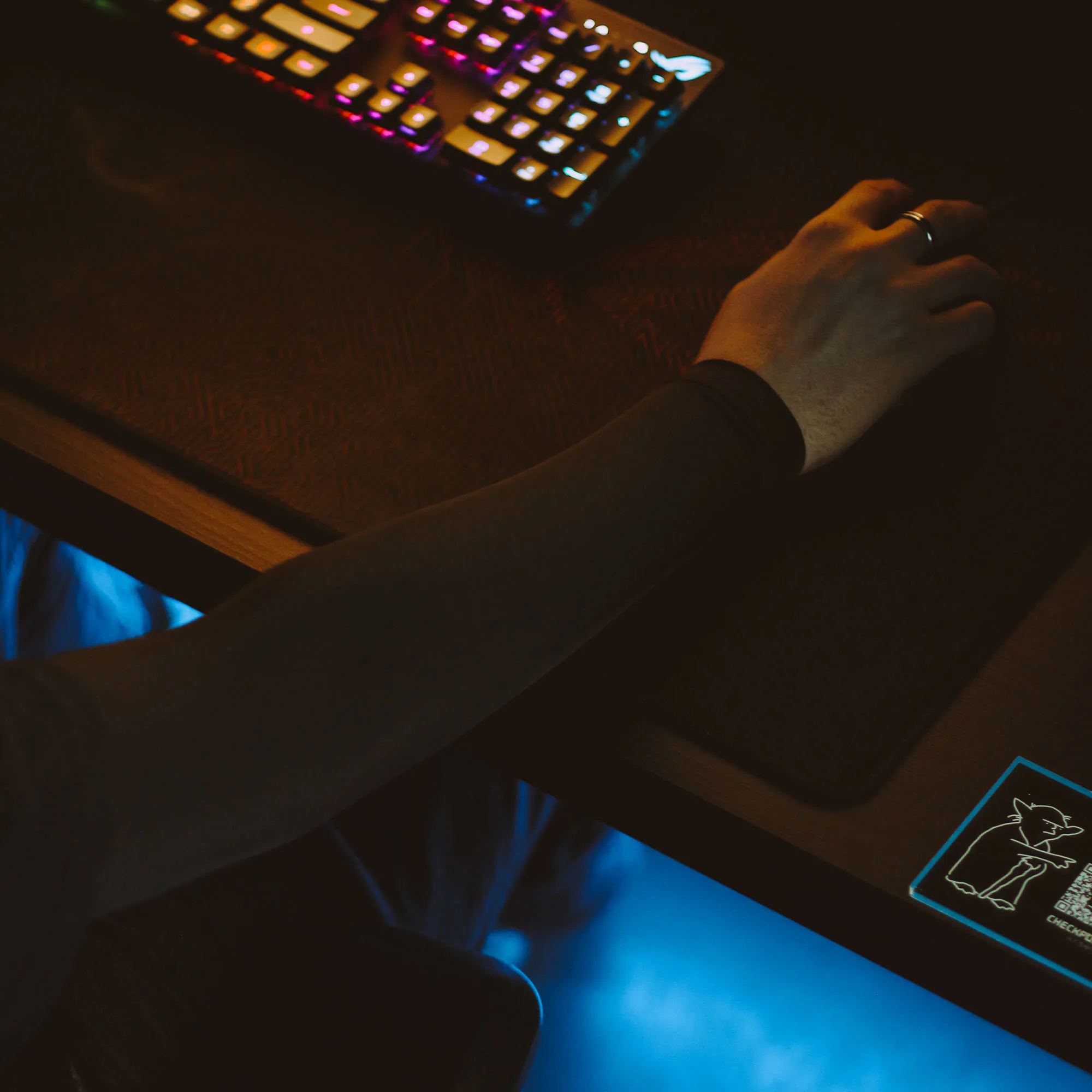
When you spend hours at your desk grinding ranked matches or training your aim, consistency is everything. Every detail matters, from the desk surface to the contact point between your arm and the mousepad. A gaming sleeve is designed to eliminate friction, sweat sticking, and inconsistent drag against your desk or mousepad. However, if the sleeve is too tight, it restricts blood flow and causes fatigue. If it is too loose, it slips down constantly and bunches up around your wrist, ruining your aim.
Choosing the correct size ensures that the fabric maintains gentle, uniform compression without digging into your skin. Proper sizing allows the material to stay firmly in place during intense flick shots and tracking movements. To achieve this, you need to look beyond generic sizing labels and take precise measurements of your arm. Brands like Selerity design their gear to fit specific anatomical proportions, meaning that taking a few minutes to measure accurately will pay off during your gaming sessions.
Before you make a purchase, it helps to understand how different physical dimensions interact with stretchy athletic fabrics. Manufacturers typically use a combination of arm circumference, overall body height, and total body weight to map out their sizing charts. Let us break down the exact steps you need to take to measure yourself correctly and select the ideal fit from the Selerity Sleeves collection.
Step 1: Measuring Your Bicep Circumference
The bicep measurement is the single most critical data point when determining whether a sleeve will stay up or cut off your circulation. Many players make the mistake of measuring their arm while it is fully flexed. For gaming apparel, you want a relaxed fit that accounts for the natural posture you hold while playing. Sit in your gaming chair, drop your arm naturally to the side or rest it on your desk as if you are holding a mouse, and relax your muscle completely.
Take a flexible measuring tape and wrap it around the widest part of your upper arm, usually a few inches below the shoulder joint. Ensure the tape is level all the way around and snug against the skin, but do not pull it so tight that it indents the flesh. Write down this measurement in centimeters or inches. If you fall right on the border between two sizes, consider your personal preference for compression. Players who prefer a tight, locked-in feel sometimes size down, while those who prioritize long-term comfort choose the larger option.
To match your measurements with available styles, you can explore options like the Sleeve Black 2.0 for a neutral aesthetic or the vibrant Sleeve Hikari Blue 2.0. Each variant is engineered to stretch predictably according to standard sizing charts, provided you follow the initial measurement steps carefully.
Step 2: Factoring in Height and Weight
While bicep circumference controls the upper anchor point, your overall height and body weight dictate the total length and baseline proportions of the sleeve. A player who is tall with lean arms requires a different proportional fit than a shorter player with the same bicep circumference. Manufacturers test their products across various body types to ensure the fabric covers the forearm adequately without stretching the wrist opening too wide.
When checking a sizing chart, look at the recommended weight ranges alongside the arm measurements. Weight gives a general indication of bone density and muscle mass distribution across your limbs. If your weight places you in a higher bracket than your arm circumference suggests, it is usually safer to rely primarily on the bicep measurement while keeping height in mind for overall length.
- Stand straight without shoes and record your exact height.
- Step onto a reliable scale to get your current body weight.
- Compare both values against the official Selerity size recommendations.
- If your height stretches the upper limit of a size category, lean toward the larger size to prevent excessive pulling on the shoulder area.
Step 3: Evaluating Arm Length and Wrist Fit
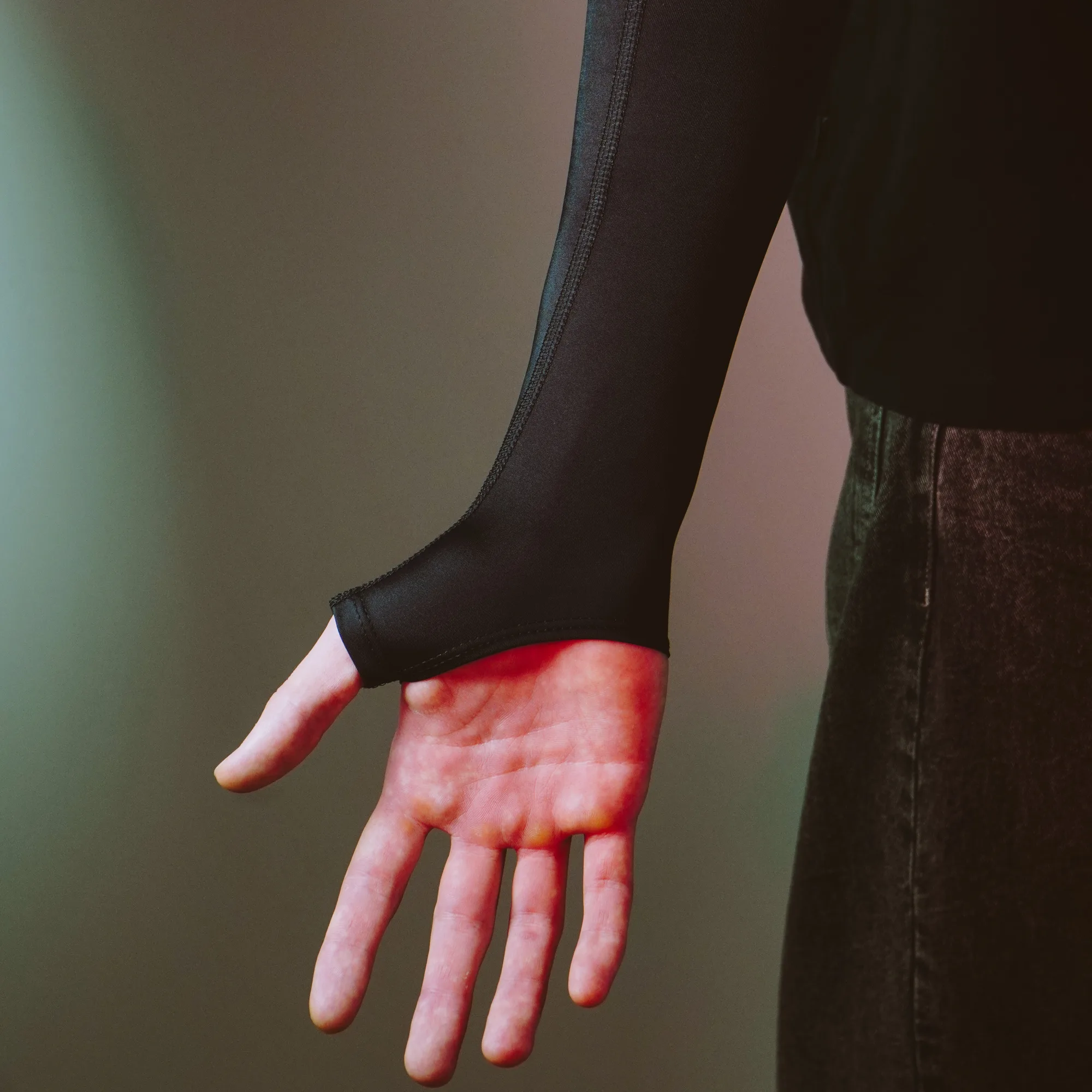
The distance from your upper bicep down to your wrist dictates how the sleeve terminates at both ends. A well-fitted sleeve should start high enough on the upper arm so that the elastic band rests on stable muscle rather than sliding down the tapered shoulder. At the lower end, it should stop right before your palm or feature a secure thumbhole design that keeps the fabric anchored securely over the lower forearm.
If you prefer a model that leaves your palm completely open while covering the lower wrist area, designs such as the Sleeve Hieroglyphs Black-White 2.0 or the dynamic Sleeve Blood Tora 2.0 offer targeted coverage. Ensuring the correct length prevents the fabric from bunching up under the heel of your hand, which can interfere with mouse movement on your pad.
Take a quick moment to measure from your mid-bicep down to your wrist bone. If your arms are noticeably longer or shorter than average for your height, keep this in mind when selecting between adjacent sizes. A proper fit ensures smooth glides whether you use a minimalist setup or pair your sleeve with a spacious surface like the Mousepad Ravens 900×400.
Step 4: Testing the Fit and Making Adjustments
Once your new sleeve arrives, put it on and evaluate how it feels during a low-stakes gameplay session or a simple desktop test. Pull the upper elastic band into position on your bicep and adjust the lower wrist cuff so it sits comfortably without restricting finger movement. Check for common warning signs of an incorrect size, such as skin bulging over the top band, the sleeve slowly migrating downward during arm sweeps, or unusual tension in the elbow joint when bending your arm.
- Bend your arm fully a few times to check for elbow restriction.
- Perform rapid horizontal mouse sweeps to see if the sleeve shifts position.
- Wear the sleeve for thirty minutes of casual browsing to test for gradual discomfort.
If the sleeve passes these checks, you are ready to integrate it into your regular routine alongside other gear like the Mousepad Hikari Blue 900×400 and the colorful Sleeve Paint Splash 2.0 or the stylish Sleeve Luna 2.0. Taking the time to measure correctly guarantees reliable performance and lasting comfort.