 Selerity
How to Choose the Right Gaming Mousepad Size for Your Sensitivity
01/10/2026
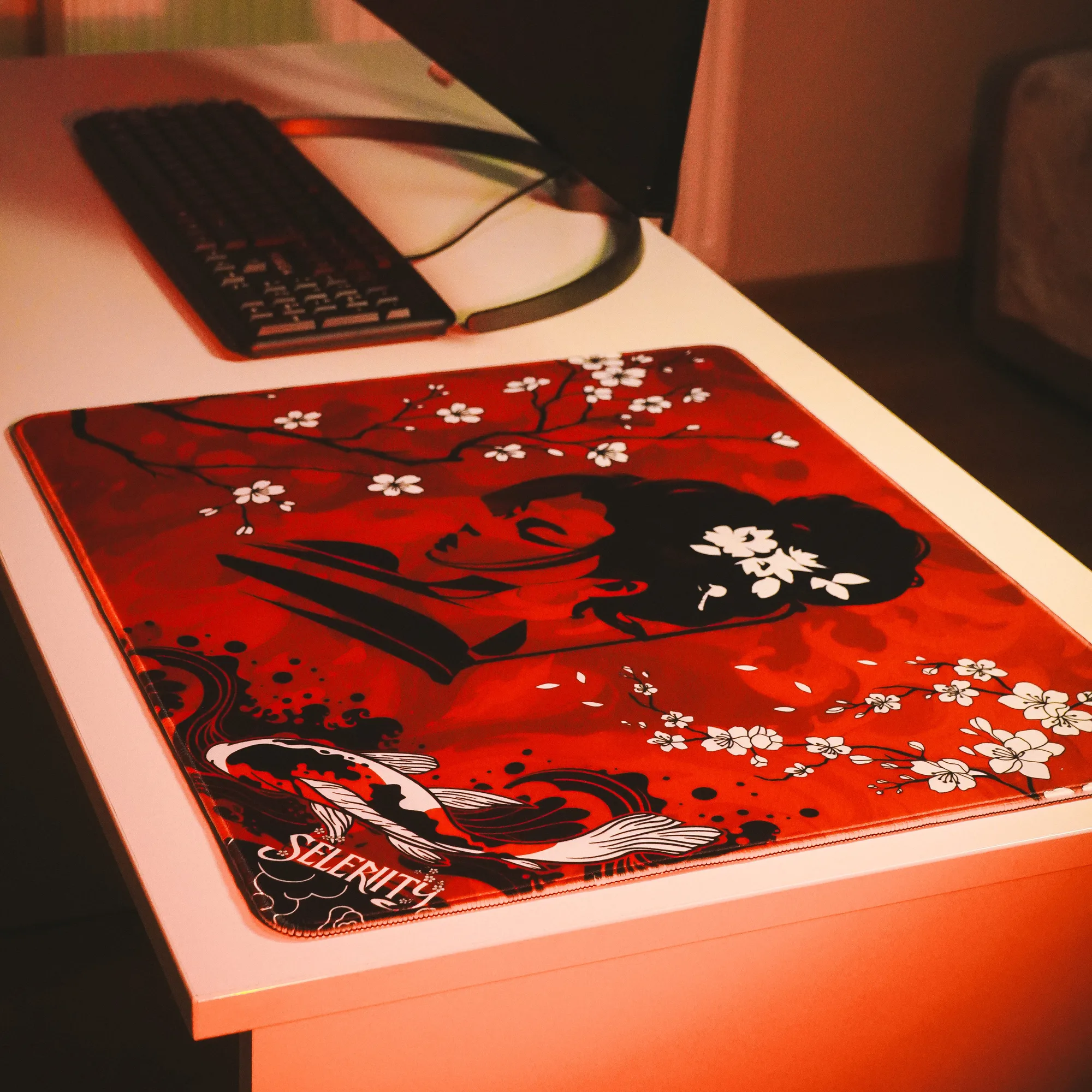
Understanding Mouse Sensitivity and Physical Space
Choosing the correct mousepad size is just as important as selecting the right sensor or shape for your hardware. Many players invest in high-end gear like a precision gaming mouse, only to find their performance limited by a surface that is simply too small. Your physical mouse sensitivity dictates how much desk space you need to execute complete 360-degree turns, track moving targets, and perform quick flicks without running off the edge of your mat.
Low-sensitivity players require extensive physical movement, often moving their entire arm from the elbow to make wide angle adjustments. High-sensitivity players, on the other hand, rely primarily on wrist and finger movements, needing only a fraction of the space. Before looking at specific dimensions, measure your actual desk space and analyze your in-game sensitivity settings. This assessment ensures your chosen surface accommodates your natural playing style.
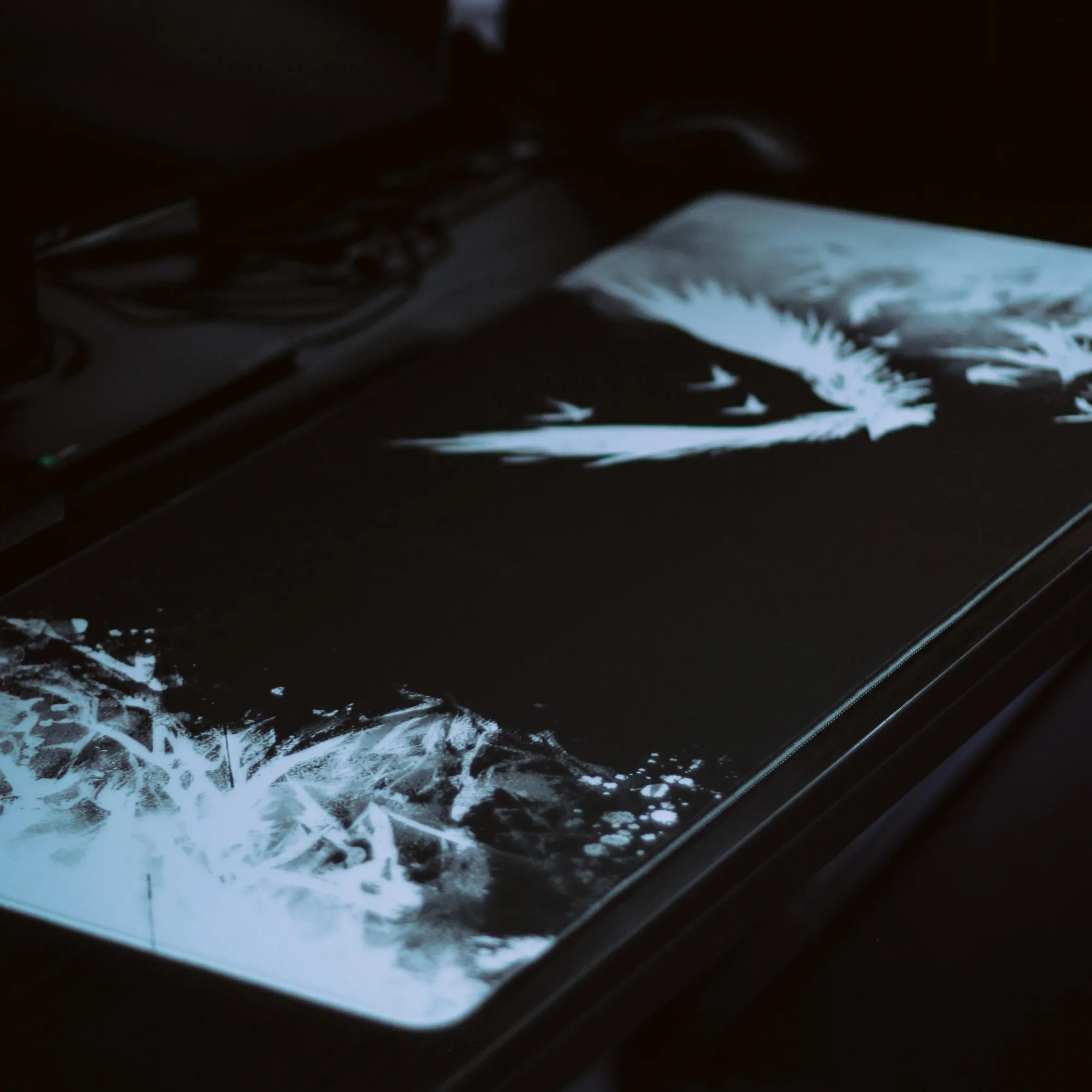
The 490x420mm Format: Ideal for Low to Medium Sensitivity
A dimensions profile around 490x420mm offers a balanced square-ish footprint that provides ample vertical and horizontal space for competitive shooters. If you play tactical first-person shooters where lower eDPI values are common, this size gives you the freedom to perform large horizontal sweeps while keeping your mouse securely on the fabric. It is a dedicated desk companion designed purely for high-performance input devices.
To get the most out of a mid-sized tactical surface, consider the following practical tips:
- Position your keyboard slightly angled to leave maximum lateral room for your mouse.
- Ensure your desk edge does not cause your wrist or forearm to rub uncomfortably against a sharp corner.
- Pair your surface with quality mouse skates to maintain a smooth glide across the entire 490x420mm area.
The 900x400mm Desk Mat: Balancing Keyboard and Mouse Space
Desk mats measuring 900x400mm revolutionize how your entire setup looks and feels by accommodating both your keyboard and your mouse on a unified surface. Options like the Mousepad Ravens 900x400 provide immense horizontal freedom, which is exceptionally useful for low-sensitivity setups that demand expansive arm movements. You never have to worry about hitting your keyboard chassis during an intense clutch situation again.
Furthermore, extended surfaces help stabilize your keyboard, dampening acoustics and preventing unwanted sliding during aggressive typing or gaming sessions. If you appreciate cohesive visual themes and unified workspace design, exploring a wider option like the Mousepad Hikari Blue 900x400 adds striking artwork while maintaining absolute functional reliability for low and medium sensitivity profiles.
XXL and Custom Desk Coverages for Extreme Low Sensitivity
For gamers running ultra-low sensitivities who need maximum runway for massive arm swipes, XXL and custom-coverage desk mats are the ultimate solution. These surfaces cover nearly the entire top of a standard gaming desk. They allow unrestricted placement of monitors, audio interfaces, and peripherals without ever restricting your mouse trajectory.
When transitioning to an XXL mat, keep these ergonomic considerations in mind:
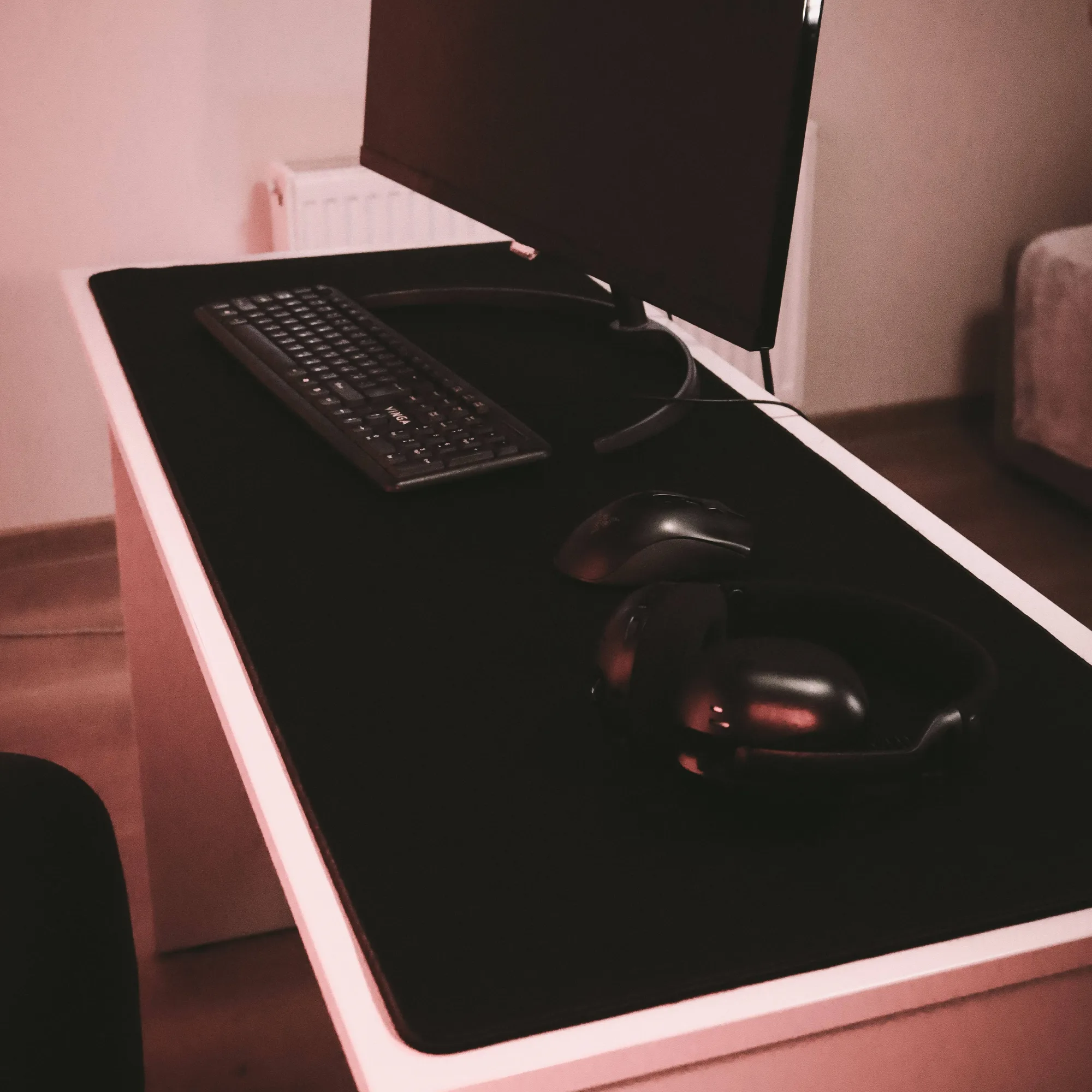
- Make sure the mat rests on a clean, debris-free desktop to prevent uneven bumps under the sensor.
- Keep your arm posture relaxed to avoid shoulder strain during wide sweeps.
- Combine your large surface layout with other Selerity accessories to keep cables organized and out of the path of your mouse cord.
Matching Your Sizing Choice to Your Genre and Playstyle
Different game genres demand entirely different physical movements. Fast-paced tracking games and tactical shooters require reliable consistency, meaning your surface choice should match your game rotation. If you frequently switch between strategy titles, fast arena shooters, and casual games, a versatile medium-to-large surface provides the adaptability you need without forcing hardware changes.
Selerity designs its collection to meet the rigorous demands of modern players. Whether you prefer a standalone target area or a broad desk-spanning option found in the main mousepads catalog, prioritizing your sensitivity requirements guarantees better consistency. Take time to measure your current arm sweep during a typical match, evaluate your desk dimensions, and select the format that supports your aiming mechanics naturally.