 Selerity
How to Arrange an Esports Desk: Height, Distance & Cables
01/10/2026
The Foundation of an Esports Setup: Desk Height and Posture
Building a competitive gaming station starts with the most fundamental physical element: your desk and chair height. Proper ergonomics directly influence your reaction time, endurance, and overall physical comfort during long ranked sessions. When sitting at your desk, your feet should rest flat on the floor, and your knees should form a comfortable ninety-degree angle. Adjust your chair so your elbows align roughly with the surface of the desk, allowing your forearms to rest naturally without straining your shoulders.
Maintaining a neutral wrist position is critical for precise aiming and movement execution. If your desk is too high, you will tense your shoulders; if it is too low, you will slouch, leading to rapid fatigue. Many players choose to wear a supportive Sleeve Black 2.0 to ensure their arm glides smoothly across the desk surface regardless of humidity or friction. Consistent physical contact points reduce micro-adjustments in posture, keeping your upper body relaxed and focused entirely on the screen.
Optimal Monitor Distance and Positioning
Once your seating position is locked in, focus on your visual environment. The distance and height of your monitor dictate how quickly you process visual information in fast-paced tactical shooters. As a general rule, place your monitor roughly an arm length away from your face, which is typically between fifty and seventy centimeters depending on your desk depth and screen size. The top third of your display should align roughly with your eye level, ensuring you look slightly downward to view the center of the action.
Centering your main display directly in front of you prevents neck strain and keeps your crosshair placement instinctive. If you use a secondary monitor, angle it to the side so you only turn your head when necessary. To protect your vision during extended evening gaming sessions, many competitive players wear specialized PC Glasses that filter out harsh artificial glare. Combining proper focal distance with visual protection helps maintain your reaction speeds from the first match to the last.
Configuring Your Mouse and Keyboard Space
Your input devices require dedicated, uncluttered space to perform at their absolute best. A common mistake in esports setups is placing the keyboard at an awkward angle or crowding the mouse area with unnecessary items. Keep your keyboard either flat or at a slight, comfortable angle, leaving ample horizontal space for your primary input device. A high-performance Gaming Mouse relies on consistent sensor tracking, which requires a clean and stable surface underneath.
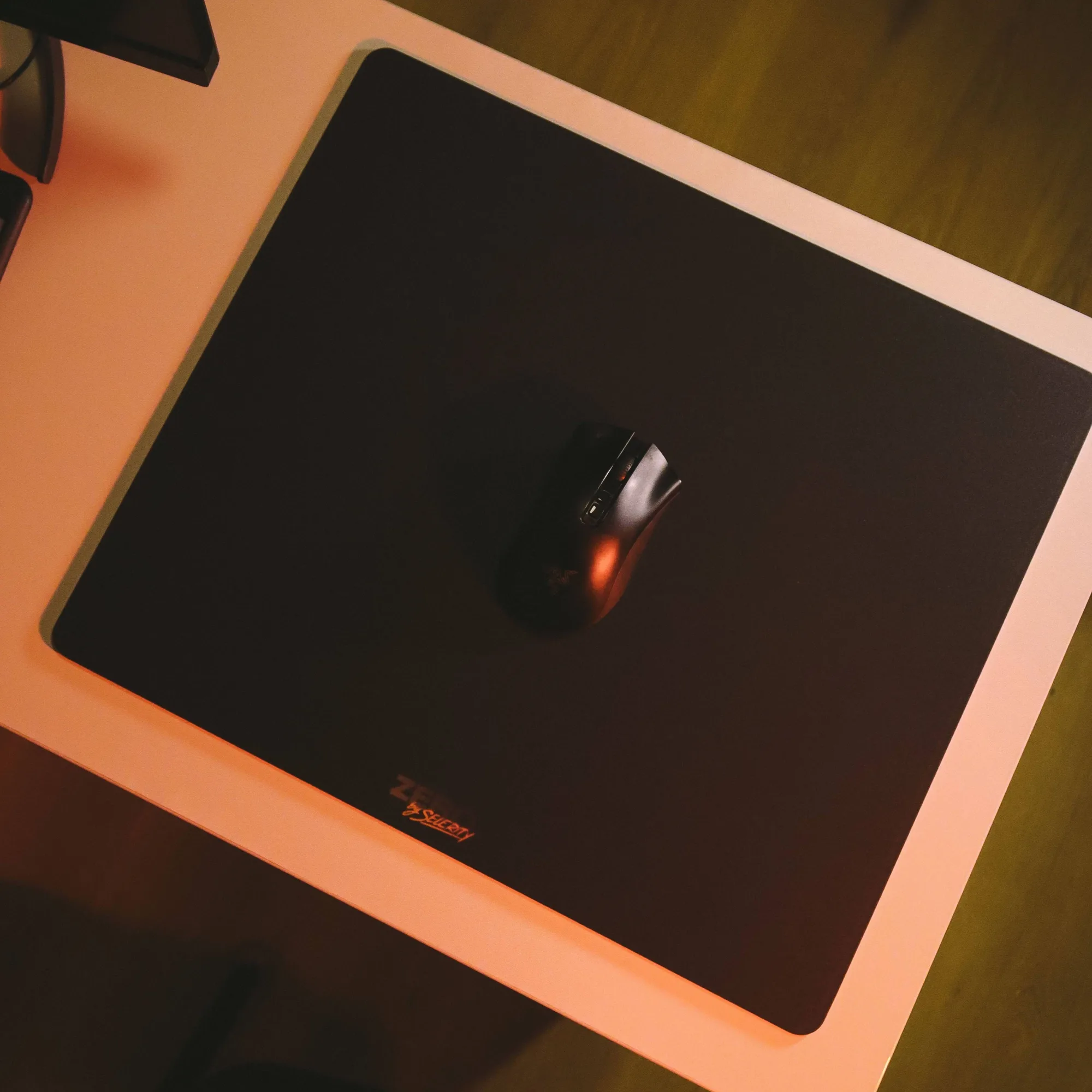
To secure maximum control and stability during intense flicks, pair your hardware with a spacious desk mat such as the Mousepad Ravens 900×400. A large surface area ensures that both your keyboard and mouse rest on a uniform texture. For players seeking ultra-low friction and effortless glide during micro-adjustments, upgrading your peripheral with specialized Mouse Skates transforms how smoothly your mouse moves across the fabric.
Mastering Cable Management for Unrestricted Movement
Tangoed wires and restrictive cable drag are the silent enemies of competitive precision. When a mouse cable catches on the edge of a desk or rubs against a monitor stand, it alters your glide resistance and ruins muscle memory. Effective cable management begins with routing power cords, display cables, and peripheral wires beneath the desk surface using raceways, clips, or velcro straps.
- Anchor your mouse cable using a bungee or route it cleanly to avoid any pulling sensation during wide sweeps.
- Bundle power adapters together away from signal cables to reduce potential electromagnetic interference.
- Leave just enough slack on your keyboard and mouse wires to allow for minor positional adjustments without pulling connectors.
- Keep the top surface of your desk strictly reserved for your monitor, audio gear, and input devices.
A tidy desk not only looks professional but removes physical friction points that distract you during clutch moments. When every wire is secured out of sight, your entire focus remains on your gameplay.
Personalizing Your Battle Station
After nailing the ergonomics, viewing angles, and cable routing, you can focus on personalizing the aesthetics of your workspace. Your environment should reflect your personal style while maintaining a distraction-free zone for competitive focus. Integrating subtle visual themes through coordinated gear creates a cohesive look that elevates your entire setup.
For instance, matching your desk mat with your arm wear creates a unified aesthetic. You can choose the vibrant artwork of the Mousepad Hikari Blue 900×400 alongside the matching Sleeve Hikari Blue 2.0 for a complete visual theme. Alternatively, explore other options within the Sleeves collection to find a color palette that suits your personal preference. A well-organized, ergonomically sound esports desk keeps you comfortable, reduces physical strain, and lays the groundwork for consistent performance in every match you play.