 Selerity
Control vs Speed Mousepads: Finding Your Best Surface
01/10/2026
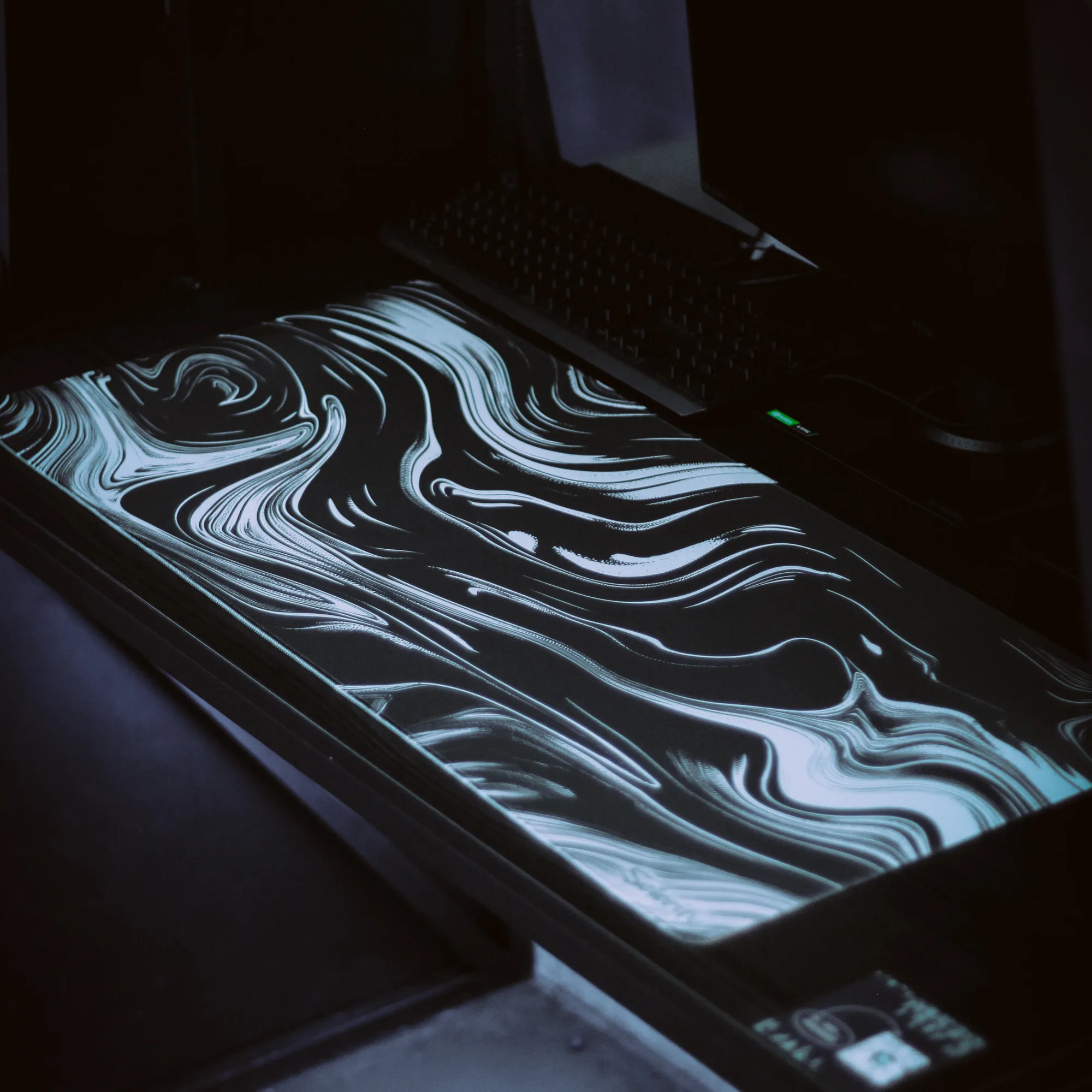
Understanding Mousepad Surfaces
Choosing the right surface for your desktop setup is just as important as picking the right sensor. Mousepad surfaces generally fall into two distinct categories: control and speed. A control surface offers more friction, which creates noticeable resistance when you start moving the mouse and when you stop it. This tactile feedback helps players who rely heavily on micro-adjustments and stopping power in tactical shooters.
On the other hand, a speed surface is engineered to minimize friction. Your mouse glides across the fabric with minimal effort, allowing for rapid swiping and fluid tracking movements. This style suits fast-paced tracking scenarios where changing directions instantly matters more than a dead-stop placement. Understanding how your hand interacts with the weave helps you build a reliable foundation for your aim.
The Control Surface: Precision and Stopping Power
Control surfaces usually feature a textured weave that grips the mouse feet slightly. When you play games that require high-precision crosshair placement, this resistance acts as an anchor. It prevents your hand from overshooting targets during sudden flicks. If you play games where holding angles and making tiny adjustments dictate your success, a control-oriented pad brings consistency to your daily matches.
To get the most out of a control surface, consistency is key. Dust and humidity can change how the fabric feels over time, so keeping your desk clean matters. Many players pairing a textured surface with a reliable mousepad also look at how their arm moves across the desk. Reducing skin friction with a supportive sleeve can prevent your forearm from sticking to the fabric during long, intense sessions.
The Speed Surface: Fluidity and Fast Tracking
Speed surfaces utilize a smoother, tightly woven fabric that lets the mouse glide effortlessly. If your playstyle revolves around tracking fast-moving targets across the screen, a speed pad reduces the initial physical effort required to break static friction. This smoothness translates to faster reaction times when you need to sweep your arm across a wide area.
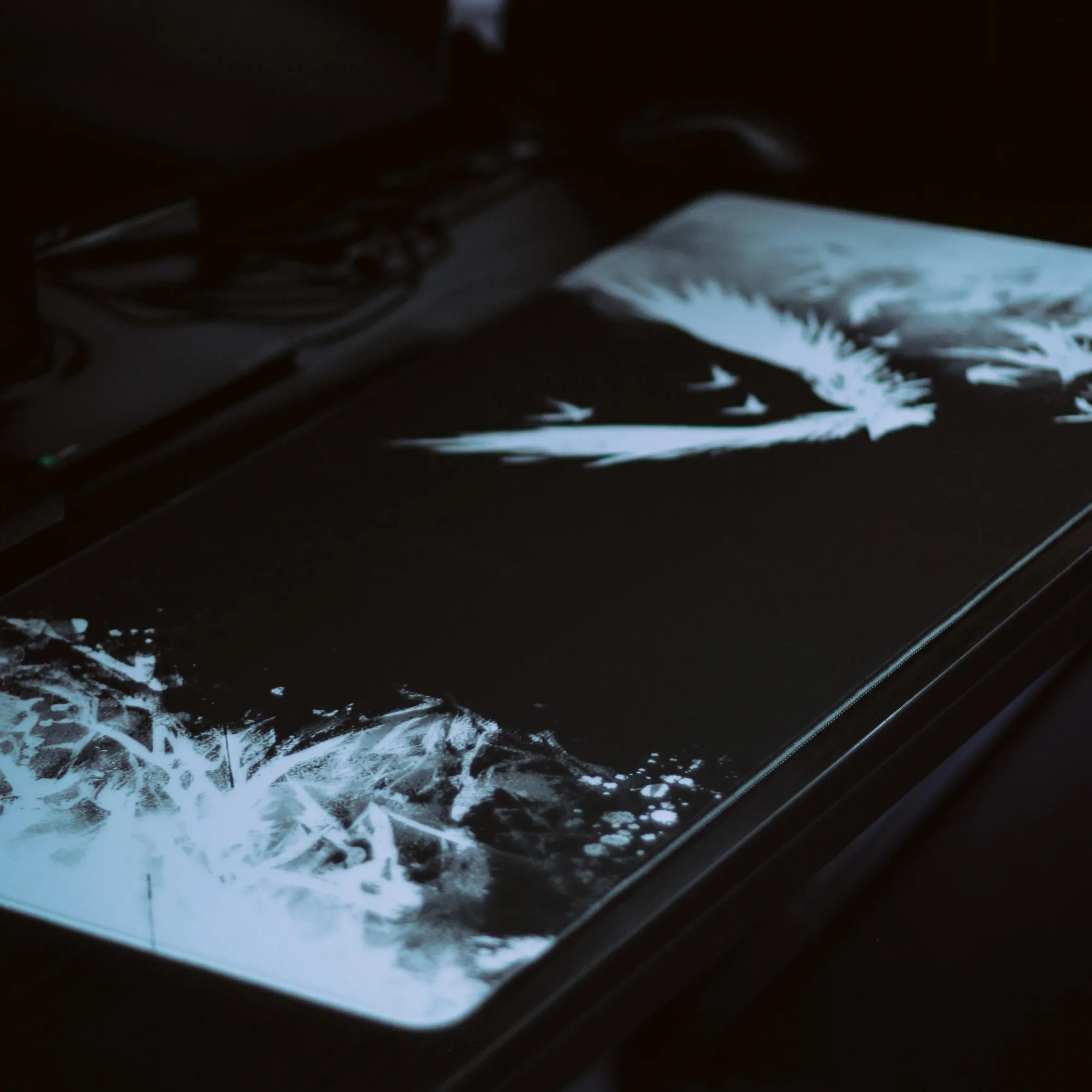
While speed pads excel at fast movements, they require fine muscle control to stop precisely where you want. Players who prefer expansive desks often choose larger options like the Mousepad Ravens 900×400 to ensure both the keyboard and mouse sit on a uniform surface. Maintaining a smooth glide relies on clean mouse feet, which is why upgrading your hardware setup with dedicated mouse skates often complements a speed-focused environment.
Matching Surface to Your Game Genre
Your preferred game genre heavily influences which surface type will feel the most natural. Tactical first-person shooters benefit greatly from the deliberate resistance of a control pad, helping you hold corners and click heads with minimal margin for error. Conversely, arena shooters, battle royales, and strategy games often reward the fluid, unrestricted motion of a speed surface.
Here is a quick breakdown to help you evaluate your current genre demands:
- Tactical Shooters: Prioritize stopping power and consistent friction.
- Tracking-Heavy Games: Prioritize low initial friction and smooth glides.
- Hybrid Playstyles: Look for balanced surfaces that offer moderate speed with controlled stopping.
When refining your setup for optimal performance, exploring curated ready-made setups can give you a better idea of how different peripherals work together in harmony.
Optimizing Your Arm Movement and Comfort
Surface friction does not just come from the mouse feet; your bare arm interacting with the desk or the edge of the pad also creates drag. When your skin sticks to the surface during a hot match, your aim consistency suffers. Many competitive players use specialized arm sleeves to ensure smooth, uniform contact regardless of room temperature or sweat.
Selerity offers a variety of ergonomic gear to keep your movements consistent. You can choose options like the Sleeve Hikari Blue 2.0 to reduce friction between your arm and the desk surface. Pairing your preferred mousepad with the right textile accessories ensures that every swipe feels identical from the first match to the last.
Making Your Final Decision
Choosing between control and speed ultimately comes down to analyzing your personal aiming flaws. Do you constantly overshoot targets because your hand moves too fast? A control surface will help anchor your movements. Do you feel like your arm has to work too hard to initiate a movement? A speed surface will relieve that tension.
Take time to evaluate your sensitivity, your desk space, and your physical comfort. A well-chosen surface works alongside your mouse and posture to create a seamless connection between your hand and the digital world. By matching the texture to your natural tendencies, you lay the groundwork for steady, long-term improvement in your gaming accuracy.