 Selerity
Choosing a Lightweight Gaming Mouse: What Matters
01/10/2026
Understanding Weight and Ergonomics
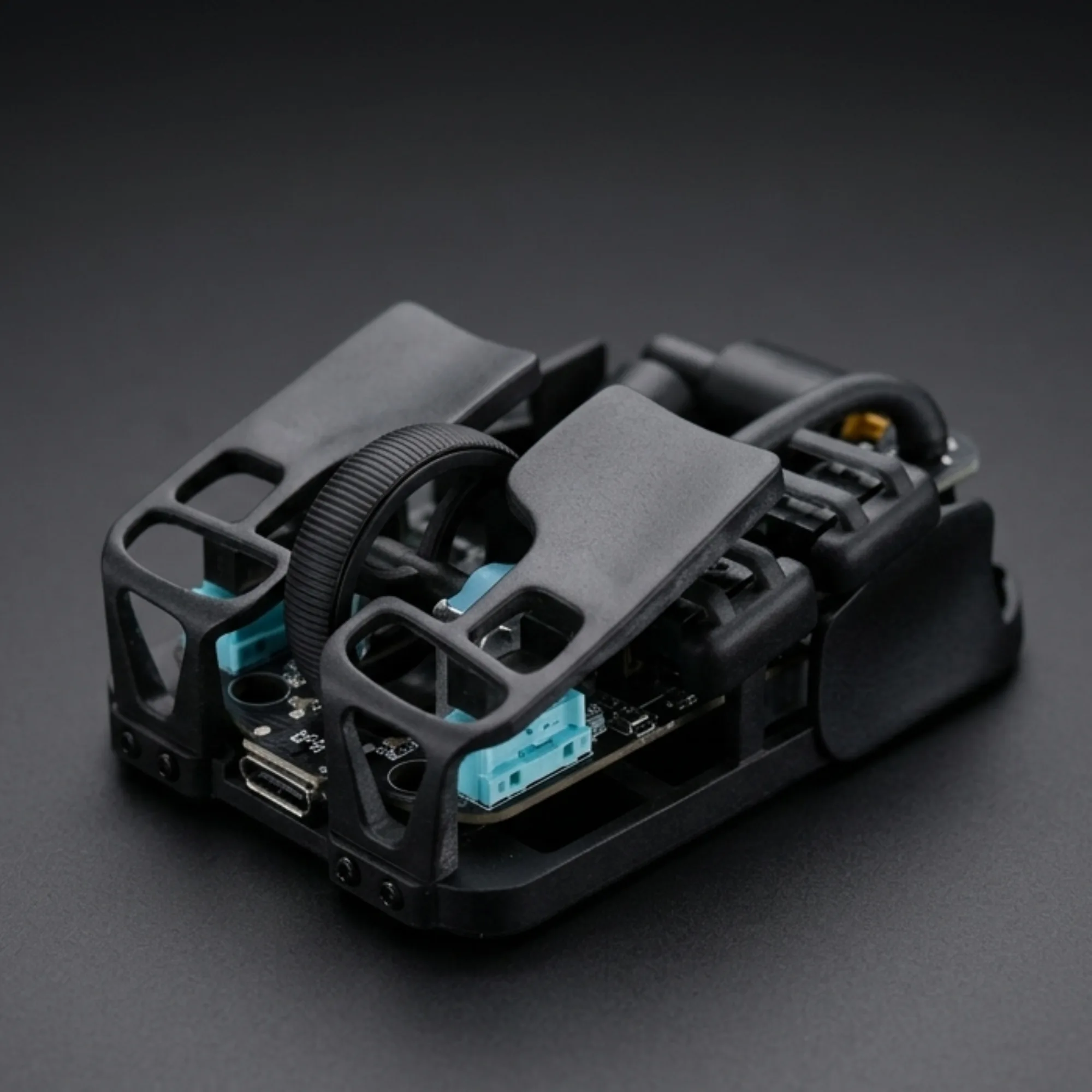
When searching for a new gaming peripheral, weight is often one of the first specifications players look at. Modern engineering has made it possible to reduce the mass of input devices significantly without sacrificing structural integrity. A lighter chassis reduces wrist fatigue during long sessions, making swift flick shots and micro-adjustments feel much more effortless. However, dropping grams should not come at the expense of comfort or structural durability.
Before deciding on a specific number on the scale, consider how you interact with your hardware. If you lift your peripheral frequently during intense tactical matches, a truly featherlight model will noticeably reduce strain on your hand and forearm. To see what modern engineering offers, explore our collection of Gaming Mice designed for precision and speed. Paired with the right hardware, your aim consistency will naturally improve over time.
The Importance of Shape and Grip Style
Weight reduction means very little if the chassis does not fit your hand naturally. Palm, claw, and fingertip grips all demand different contours and hump placements. A symmetrical shape offers versatility for fingertip and claw users, while ergonomic, right-handed designs provide full palm support to prevent cramping. Always match the physical dimensions of the device to your hand size to ensure a secure, natural hold during fast-paced movements.
Your grip style also dictates how you apply downward and lateral pressure. Players who use a fingertip grip benefit immensely from a balanced center of gravity, preventing the front or back from feeling heavy during lifts. To complete your ergonomics setup, you can pair your hardware with supportive Accessories that refine your desk space and cable management, ensuring nothing restricts your range of motion.
Sensors, Switches, and Glide Performance
Optical sensors are the heart of any high-performance input device, translating physical movement into on-screen action with absolute fidelity. Look for sensors that offer reliable tracking without hardware acceleration or smoothing, ensuring your muscle memory translates directly into the game. Equally important are the main switches, which provide the tactile feedback and actuation speed required for rapid firing and precise tracking.

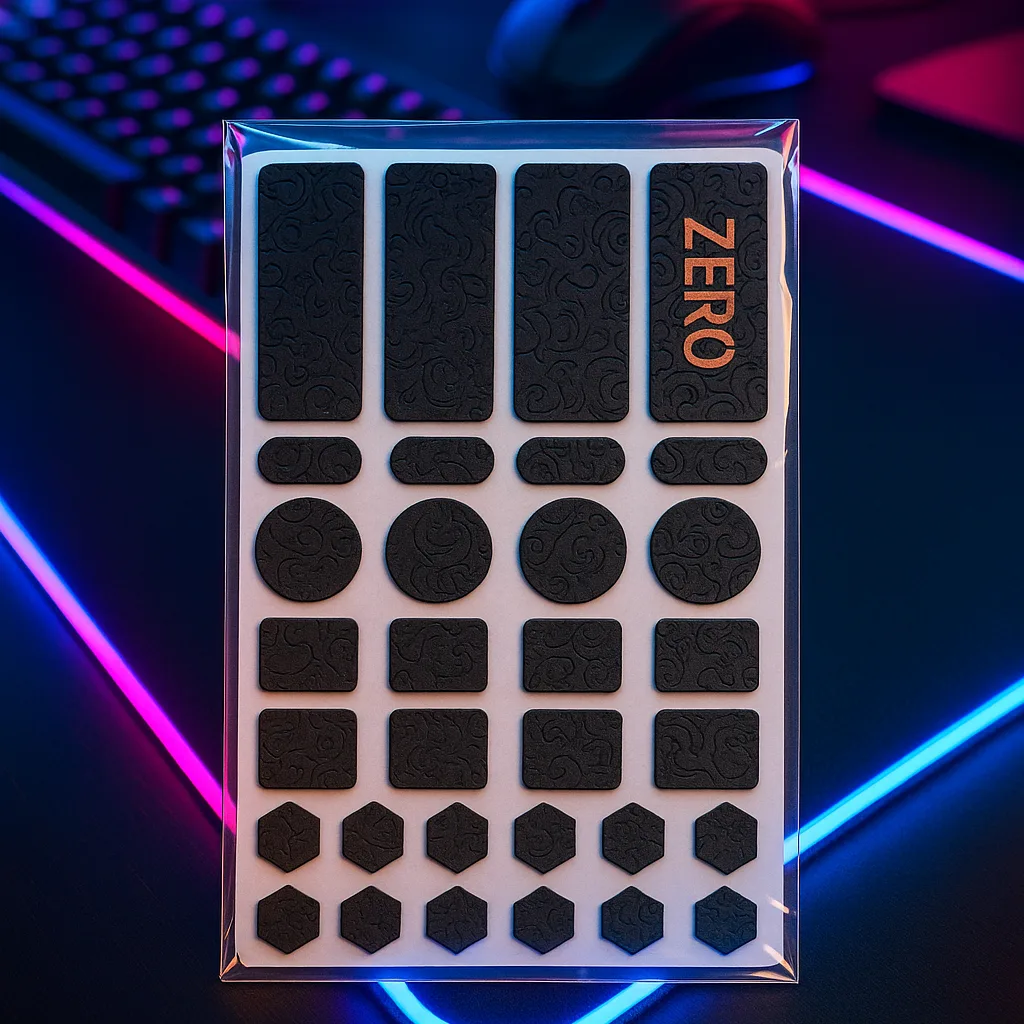
Even the best sensor and lightest shell will feel sluggish if friction on the desk is too high. Smooth movement relies heavily on the contact points beneath the chassis. Upgrading to specialized Mouse Skates ensures an ultra-low friction glide across your mouselat. For a complete surface upgrade, many players match their glide with a textured Mousepad like the Mousepad Ravens 900×400 to achieve consistent stopping power and smooth directional transitions.
Software and Connectivity Options
Modern peripherals often come with companion software to adjust polling rates, lift-off distance, and programmable buttons. While lightweight designs focus on minimalism, having access to onboard memory profiles allows you to save your preferred DPI stages directly to the device. This ensures your settings remain consistent whether you are playing on your home desktop or attending a local gaming event.
Connectivity is another major decision point between wired and wireless models. Modern wireless technology offers latency-free performance that rivals traditional cables, giving you total freedom of movement without the drag. If you prefer a wired setup, ensuring proper cable routing prevents snagging. To protect your arm and reduce surface friction during fast swipes, many competitive players also wear a breathable Sleeves option such as the Sleeve Paint Splash 2.0 for uniform glide against the desk.
Evaluating Your Complete Setup
Choosing a lightweight gaming mouse is ultimately about how every component of your setup works in harmony. Your posture, desk surface, chair height, and arm movement all influence how a specific weight feels in your hand. Take time to evaluate your current pain points—whether it is wrist fatigue, inconsistent tracking, or desk friction—and address them methodically.
By selecting a mouse that complements your grip, pairing it with reliable hardware, and optimizing your contact surface, you create a seamless connection between your reflexes and the game. Selerity provides the tools you need to refine your configuration, ensuring every component supports your performance goals without unnecessary complexity.