 Selerity
Blue-Light Glasses for Gamers: Who Needs Them & Lens Guide
01/10/2026
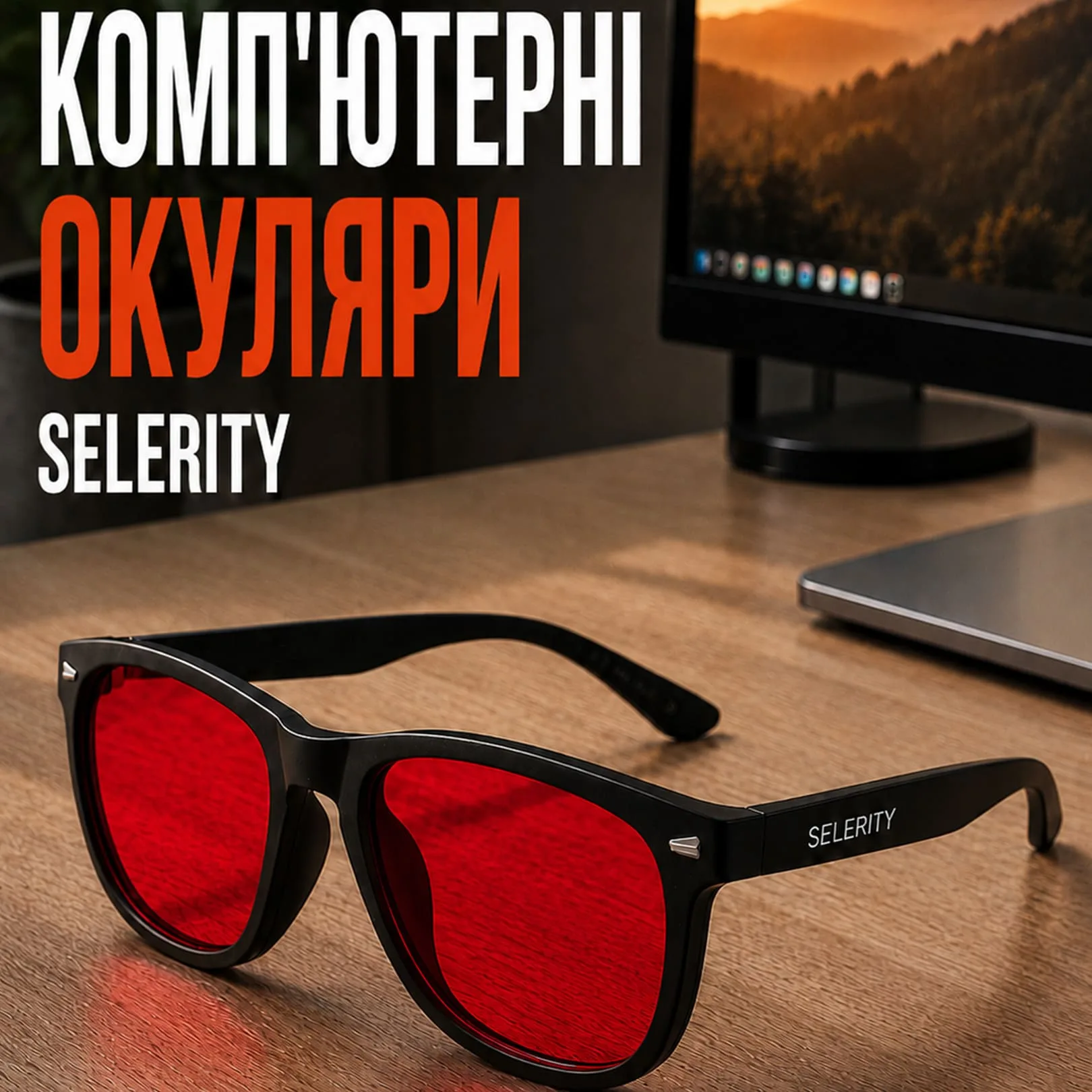
Understanding Blue-Light Exposure in Modern Gaming
Modern gaming monitors, televisions, and mobile devices emit high-energy visible light, commonly known as blue light. Because gamers spend countless hours staring at illuminated displays during marathon sessions, many experience eye strain, visual fatigue, and dryness. While these symptoms do not indicate a medical disease, they can certainly impact your comfort, focus, and overall endurance during competitive matches or immersive role-playing games. Recognizing how display illumination affects your eyes is the first step toward building a more comfortable gaming environment.
Addressing visual fatigue involves more than just turning down your monitor brightness. Gamers often optimize their physical posture, room lighting, and desktop accessories to reduce strain. For instance, pairing an ergonomic desk setup with reliable PC Glasses helps filter specific light wavelengths before they reach your eyes. Along with supportive accessories found under Accessories, managing your visual environment keeps you feeling sharp and focused from the first lobby to the final victory screen.
Who Actually Benefits from Gaming Glasses?
Not every gamer requires specialized eyewear, but certain habits significantly increase the likelihood of experiencing screen-related eye strain. If you play for four or more hours daily, work a day job that also involves a computer, or frequently game late into the night before trying to sleep, specialized lenses can make a noticeable difference in your daily comfort. Competitive players who rely on sustained visual concentration during fast-paced matches often find that filtered lenses reduce the harsh glare of modern high-refresh-rate panels.
To determine if you should add optical filtering to your gear bag, consider the following quick checklist:
- You regularly experience dry, tired, or irritated eyes after long gaming sessions.
- Your evening gaming habits make it difficult to unwind or transition to sleep afterward.
- You play in dimly lit rooms where the contrast between the monitor and the background is extremely high.
If these scenarios sound familiar, investing in dedicated eyewear is a logical step alongside upgrading your hardware. Many players also complete their stations with matching gear, such as setting down a wide Mousepad Ravens 900×400 to complement their desk aesthetic and improve mouse control.
Decoding Lens Colors: Amber, Yellow, and Clear
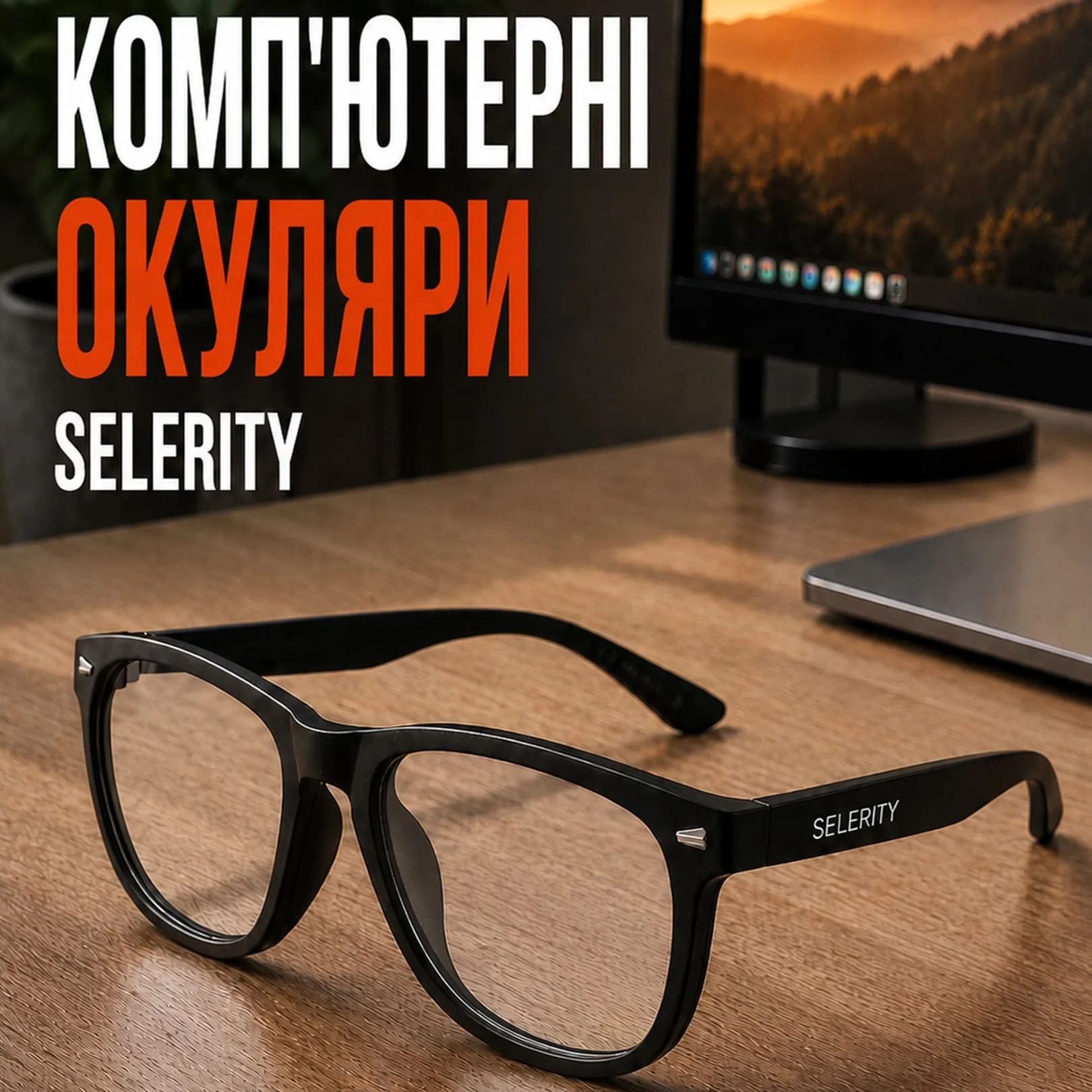
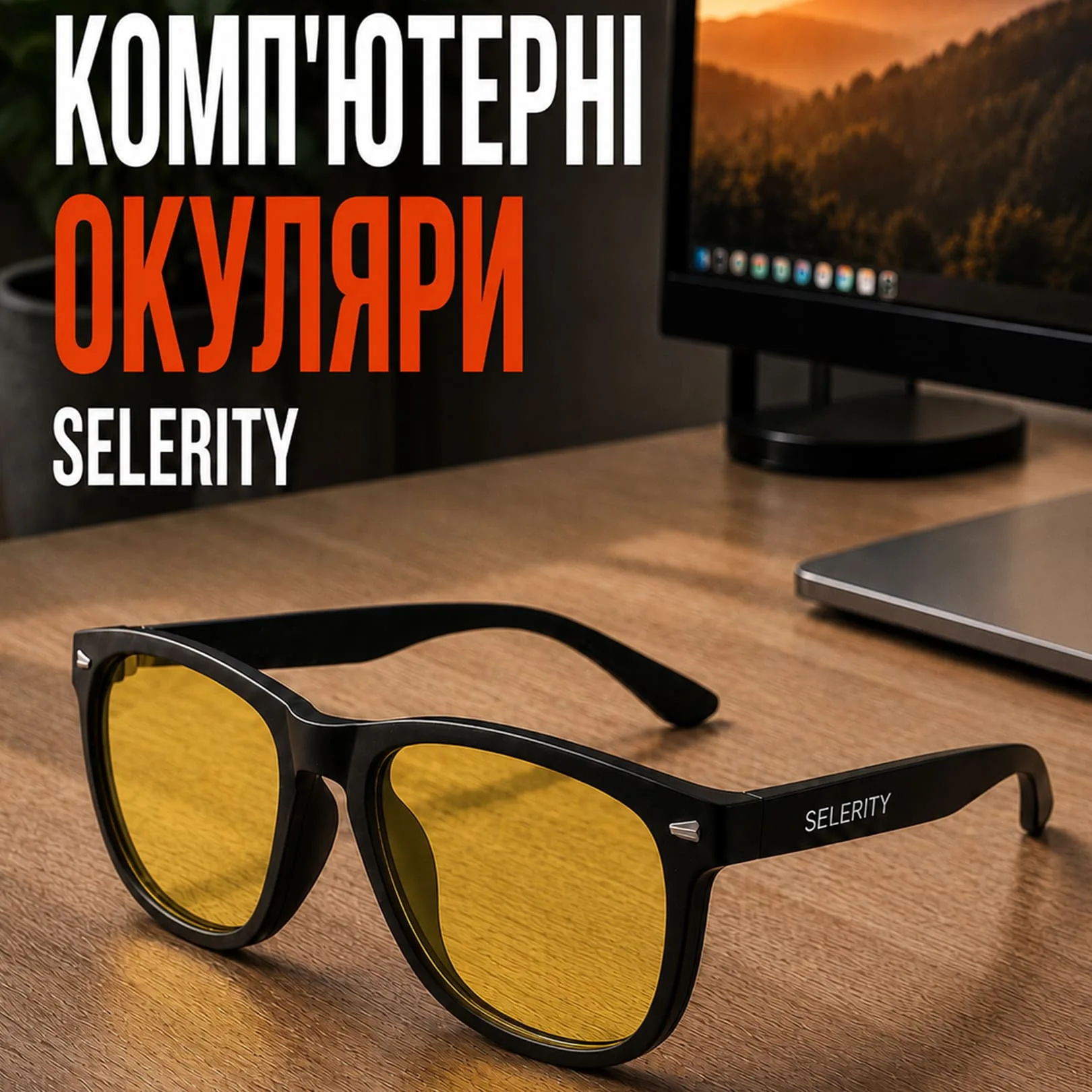
When shopping for computer eyewear, you will encounter several lens tints, each designed for distinct lighting conditions and user preferences. Clear lenses offer a subtle filter with minimal color distortion, making them ideal for casual users or graphic designers who need absolute color accuracy. Yellow lenses provide a brighter perceived field of view, boosting contrast in low-light environments. Amber and orange lenses offer the highest level of high-energy visible light filtration, significantly warming the color palette and reducing harsh monitor glare during extended night sessions.
Choosing the right tint depends entirely on your primary gaming schedule and personal tolerance for color shifts:
- Clear lenses: Best for daytime use, casual browsing, and color-critical creative work.
- Yellow lenses: Excellent for indoor lighting, overcast days, and improving contrast in darker games.
- Amber/Orange lenses: Perfect for late-night grinding sessions and maximum glare reduction.
By matching your lens choice to your actual daily routine, you ensure that your eyewear enhances rather than hinders your gameplay experience.
Integrating Eyewear into Your Complete Gaming Setup
Comfortable gaming relies on a holistic approach where every piece of equipment works in harmony. Wearing optical filters helps protect your eyes, but physical ergonomics matter just as much for long-term endurance. Ensuring your monitor is positioned at the correct height and distance prevents neck strain, while supportive gear keeps your hands and arms relaxed. Many players coordinate their visual gear with custom peripherals to create a unified look across their entire desk space.
For a truly cohesive battle station, consistency in design and function is key. You might match your eyewear frame finish with other peripherals, or pair your desk surface with a vibrant Mousepad Hikari Blue 900×400 that brings a clean splash of color to your workspace. Selerity offers a wide variety of hardware and comfort additions to suit every player's personal preference.
Maintenance Tips to Keep Your Lenses and Gear Pristine
Once you select your ideal pair of filtered glasses, proper maintenance ensures they remain scratch-free and effective for years. Always store your eyewear in a dedicated hard case when not in use, rather than tossing them loosely into a backpack alongside your other peripherals. Use a clean microfibre cloth specifically intended for optical coatings rather than paper towels or clothing, which can trap abrasive dust particles and damage anti-reflective layers over time.
Maintaining your broader setup is just as straightforward with proper care habits:
- Wipe down your desktop surface and mouse mats regularly to prevent dust accumulation.
- Clean your optical lenses before every major gaming session for an unobstructed view.
- Inspect your gear periodically to ensure all components remain in top condition.
By taking care of both your vision and your hardware, you create a reliable, comfortable gaming environment that supports your performance night after night.