 Selerity
Arm Position at the Desk: Stay Comfortable
01/10/2026
The Foundation of Ergonomics: Finding Your Baseline
When you sit down for a long gaming session, how your body interacts with your desk dictates your overall comfort and consistency. Many players focus entirely on their monitor height or seat cushion, yet neglect the crucial angles formed by their arms and shoulders. Maintaining a neutral posture helps reduce physical fatigue, allowing you to react quickly without unnecessary tension building up in your forearms and upper back.
To establish a solid baseline, start with your chair height. Your feet should rest flat on the floor, and your knees should form a comfortable ninety-degree angle. Once your lower body is positioned correctly, bring your focus to your desktop. Your elbows should bend at roughly a ninety to one-hundred-degree angle when your hands rest on your input devices. If your chair is too low, you will constantly shrug your shoulders upward, leading to rapid fatigue during competitive matches.
Another vital element is keeping your wrists neutral. Bending your wrist upward or downward for extended periods places undue stress on tendons and nerves. Ensure your forearms rest naturally on the desk surface or armrests without pinching your elbows against hard desk edges. Simple adjustments to your daily routine and equipment placement go a long way in sustaining your performance over hours of play.
Desk and Chair Alignment: Setting Up Your Workspace
Your desk and chair must work in harmony to support your upper limbs effectively. If your desk is too high, your shoulders will naturally elevate to reach the keyboard and mouse, creating tension across your neck and traps. Conversely, a desk that sits too low forces you to slouch forward, rounding your spine and restricting proper breathing mechanics. Achieving the correct middle ground is essential for sustained comfort.
Consider the role of your chair armrests in this setup. Armrests should support your elbows lightly, taking the gravitational load off your shoulders, but they should not interfere with your desk movement. If your armrests are too wide, your arms flare outward; if they are too high, they push your shoulders toward your ears. Ideally, your armrests should sit flush with the surface of your desk so your forearms transition smoothly from the chair to the workspace.
Many players find that upgrading their overall layout with items from ready-made setups helps eliminate guesswork regarding ergonomic heights and spacing. A unified ecosystem ensures that your keyboard, monitor, and seating geometry complement one another. Taking twenty minutes to measure and adjust your furniture height, monitor distance, and seating depth will pay dividends in physical comfort during high-stakes gaming.
Reducing Friction: Smooth Glides and Consistent Movement
Physical friction between your skin or clothing and the desk surface can alter your aiming mechanics and cause skin irritation over time. When you sweep your arm across the desk, any catching or dragging forces you to apply extra muscular effort, which disrupts your fine motor control. Ensuring a smooth, unobstructed glide path is critical for both comfort and precision in fast-paced titles.
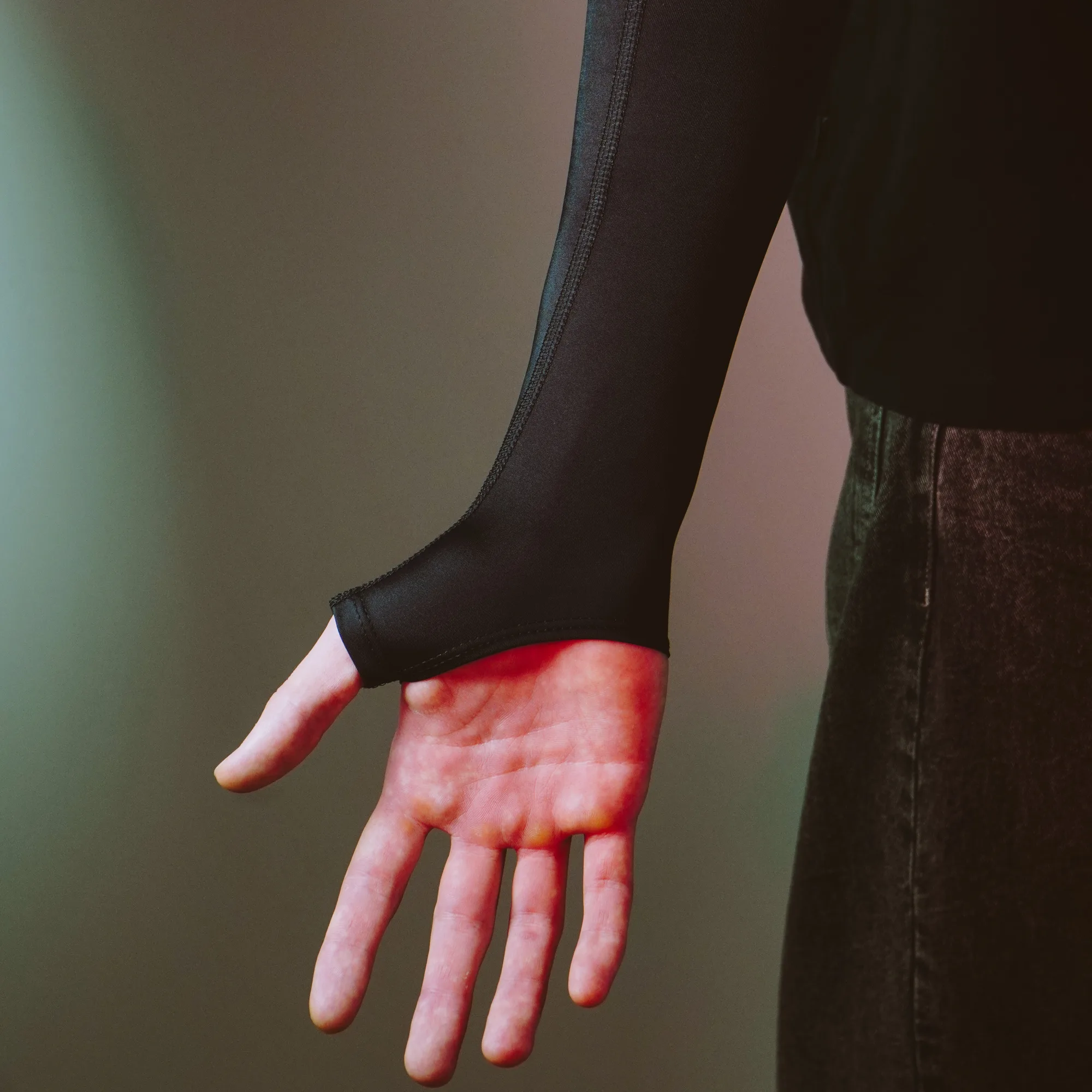
To protect your skin and improve your glide, many competitive players integrate specialized armwear into their gear. Wearing a product like the Sleeve Paint Splash 2.0 ensures consistent friction levels regardless of room humidity or sweat. This allows your arm to glide effortlessly across your mousepad without sticking to wooden or glass desk surfaces during intense tracking sequences.
Friction management is equally important at the base of your input device. Over time, stock feet on peripherals wear down, creating a scratchy feel that increases wrist resistance. Swapping them out for fresh mouse skates restores that effortless glide, minimizing the physical force required to initiate movement. When your mouse moves freely and your arm glides without catching, your entire upper limb remains relaxed.
Surface Area and Control: Managing Your Desk Space
A cramped desk forces unnatural arm angles. If your mousepad is too small, you may be forced into high-sensitivity settings that require awkward wrist twisting for fine adjustments, or you might run out of space entirely and have to pick up and reposition your mouse frequently. Expanding your usable surface area allows you to utilize lower sensitivities, engaging your elbow and shoulder joints for broad sweeps while keeping your wrist stable.
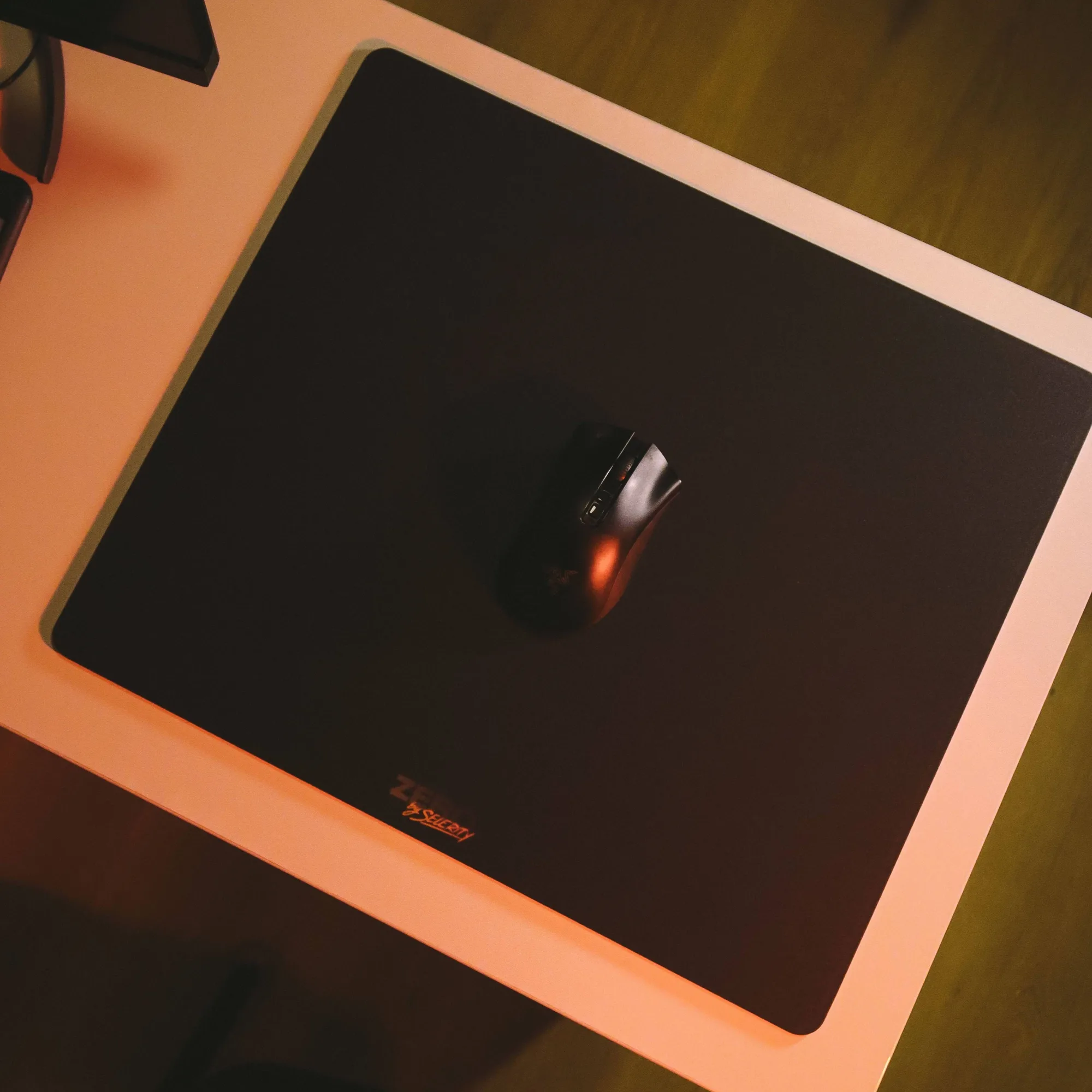
Investing in a large surface area gives your entire arm room to rest comfortably on a uniform textile rather than half on the desk and half off. For instance, placing the Mousepad Ravens 900×400 on your desk provides an expansive, cushioned zone that supports both your keyboard and your entire arm movement range. A larger platform cushions your forearm against sharp desk edges, preventing pressure points that can cause numbness or discomfort during marathon sessions.
By organizing your peripheral layout effectively, you reduce micro-movements that strain your joints. Keep your keyboard within easy reach so your left arm does not stretch outward, and position your mouse directly in front of your shoulder to prevent lateral strain. A well-proportioned layout keeps your arms centered, balanced, and ready for action.
Active Breaks and Micro-Stretches
Even with the most ergonomic desk setup and accessories, staying frozen in one position for hours will eventually cause stiffness. Muscles require intermittent movement to maintain healthy blood circulation and flush out metabolic waste products. Establishing a routine of active breaks between matches is one of the most effective ways to preserve your physical well-being.
Use waiting lobbies, queue times, or post-match screens to perform quick, targeted stretches:
- Extend your arm straight forward with your palm facing out, and gently pull your fingers back toward your body for fifteen seconds.
- Rotate your wrists in slow, deliberate circles clockwise and counter-clockwise to relieve tension.
- Shrug your shoulders upward toward your ears, hold for three seconds, and roll them backward as you drop them down.
- Shake out your hands and arms loosely to reset muscle tone and improve blood flow.
Integrating these quick habits into your daily gaming routine keeps your joints limber and prevents cumulative strain. Combine these movement breaks with a well-maintained workspace, and you will notice a substantial difference in how your arms feel after a long day of competitive play.