 Selerity
Accessories That Actually Help in CS2: A Practical Checklist
01/10/2026
Stabilizing Your Aim with Consistent Friction
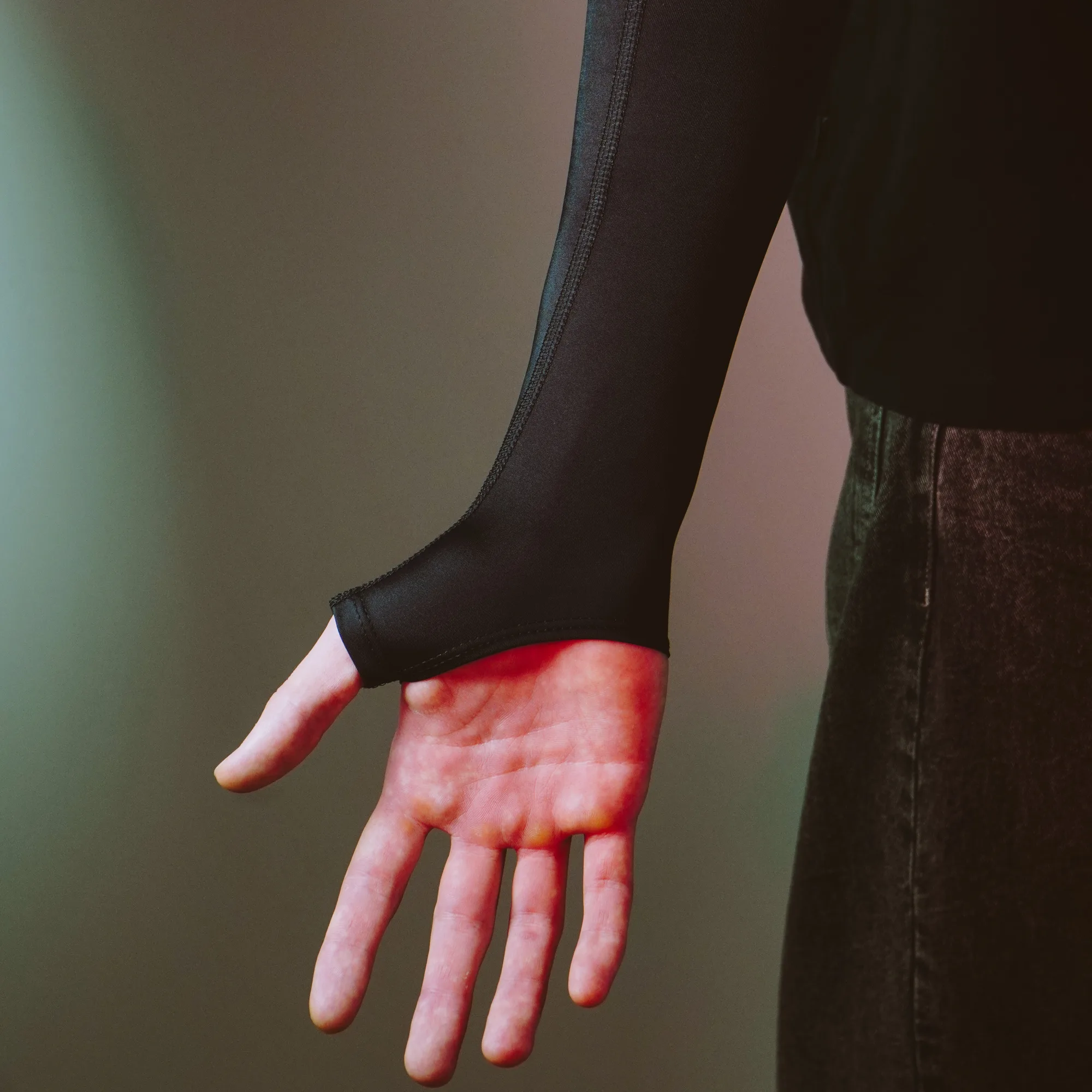
In Counter-Strike 2, micro-adjustments dictate whether you hit a headstone peek or miss entirely. Many players focus heavily on in-game sensitivity while ignoring how their arm interacts with the desk surface. Humidity changes and sweat can cause your skin to stick to the wood or plastic, creating inconsistent friction that ruins your muscle memory during crucial clutch moments.
Using a dedicated gaming sleeve helps isolate your arm from environmental variables, ensuring your glide remains smooth regardless of room temperature or humidity. If you want to test how a consistent glide affects your sweeping motions and crosshair placement, you can check out the Sleeve Paint Splash 2.0 for reliable forearm movement. Alternatively, for a more neutral aesthetic that pairs easily with any setup, the Sleeve Black 2.0 provides the exact same low-friction fabric properties to maintain steady horizontal tracking.
Choosing the Right Surface for Tracking
Your mouse sensor is only as good as the surface beneath it. An uneven or worn desk mat introduces tracking errors and irregular stopping power, making it difficult to lock onto angles holding tight choke points on maps like Mirage or Inferno. A proper surface balances speed for fast flicks and stopping power for precise counter-strafing.
Desk-sized surfaces also anchor your keyboard and mouse in a uniform position, protecting your gear from desk wear. For a balance of ample space and water-resistant materials, many players rely on the Mousepad Ravens 900×400 to cover their entire peripheral zone. Another solid option featuring a distinct visual style while maintaining a uniform cloth weave is the Mousepad Hikari Blue 900×400, which keeps mouse sensor readings completely stable.
Reducing Glide Resistance on Your Mouse
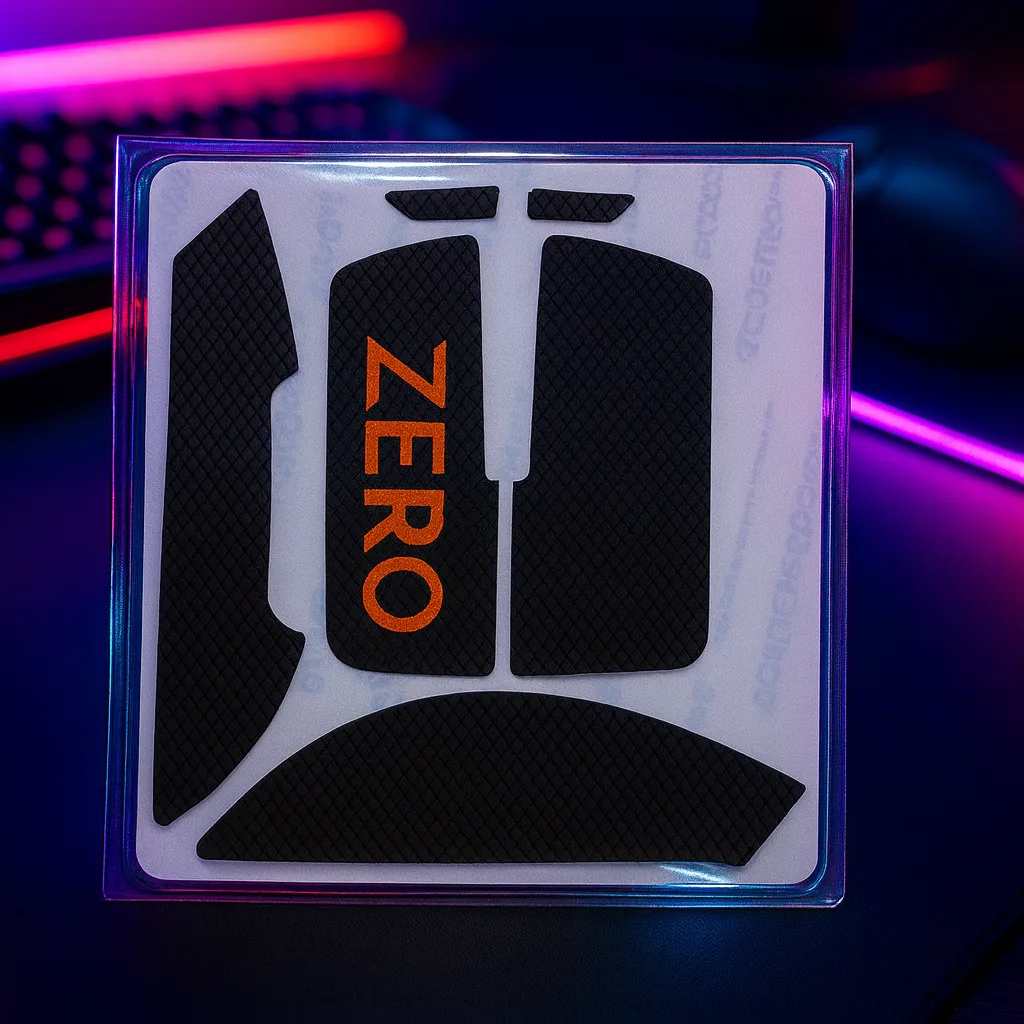
Over months of intense matches, the factory feet on your mouse wear down, causing the plastic bottom shell to occasionally scrape against the mousepad. This friction creates drag that makes starting a movement feel heavy and sluggish. Upgrading your mouse glides restores that effortless float, allowing for clean tracking when following moving targets.
Maintenance checklist for your input device:
- Inspect the bottom of your mouse for dust buildup around the sensor window.
- Peel off worn-out stock skates and clean the adhesive residue with isopropyl alcohol.
- Apply new PTFE skates carefully, ensuring they sit flush without overlapping the edges.
By keeping your glide surface clean and frictionless, your hand exerts less tension, which naturally translates to more relaxed and accurate spray control.
Managing Visual Fatigue During Long Sessions
Counter-Strike 2 matches require intense visual concentration, often stretching across multiple overtimes. Staring at bright monitors in dimly lit rooms causes eye strain, dryness, and fatigue, which ultimately dulls your reaction times in the late rounds of a competitive match. Reducing screen glare and filtering specific light spectrums helps maintain visual clarity.
Practical habits to protect your focus include taking regular breaks between matches, adjusting your monitor brightness to match your room lighting, and utilizing specialized eyewear designed to reduce harsh artificial light exposure. Selerity offers dedicated PC Glasses to help minimize visual glare from high-refresh-rate displays during extended gaming sessions.
A Practical CS2 Gear Checklist
Before jumping into competitive matchmaking, evaluate your current peripheral ecosystem to ensure nothing is holding back your mechanical skill. Small upgrades often yield more noticeable improvements than changing in-game settings repeatedly. A streamlined checklist for your desk setup includes:
- A clean, uniform tracking surface that accommodates both low and high sensitivities.
- Fresh mouse skates that offer scratch-free movement across the pad.
- An arm sleeve to eliminate friction inconsistencies caused by desk contact.
- Comfortable eyewear to maintain visual focus during lengthy tournament runs.
By approaching your hardware methodically, you build a consistent environment where your raw skill and tactical knowledge can shine without physical distractions.